
If you’re running a business today, you’ve likely been told a thousand times that Multi-Factor Authentication (MFA) is your "silver bullet" against hackers. And for a long time, it was. If a bad actor got your password, they’d still hit a brick wall when your phone buzzed for a verification code.
But as we sit here in April 2026, the game has changed. Hackers aren't trying to knock down the front door anymore; they’re finding the side window you left open for your smart TV.
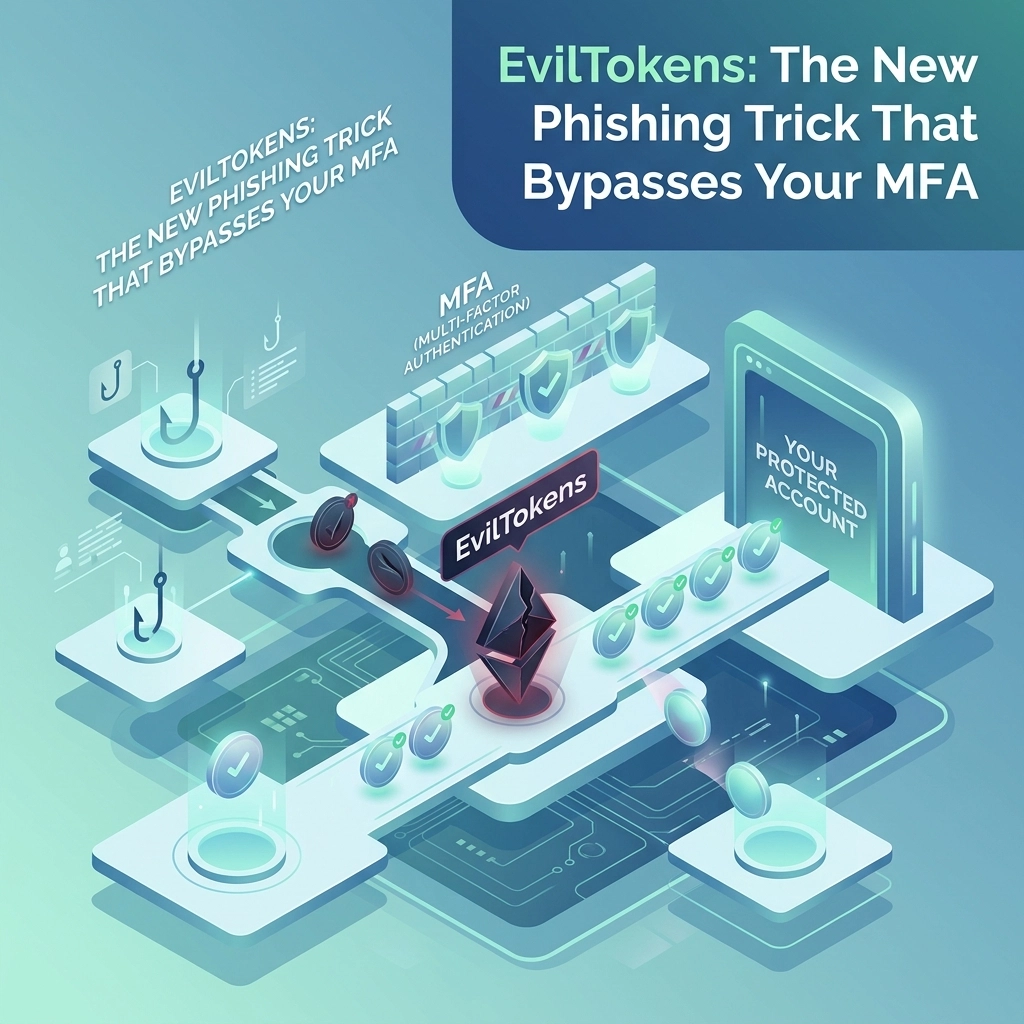
There’s a new threat called EvilTokens, and it’s specifically designed to walk right past your MFA protections like they aren't even there. At B&R Computers, we’ve seen a massive uptick in these "Device Code" phishing campaigns targeting SMBs across the country.
If your team uses Microsoft 365, you need to understand how this works: because your team is likely being targeted right now.
What is EvilTokens?
EvilTokens isn't just a single hacker; it’s what we call "Phishing-as-a-Service" (PaaS). It’s a sophisticated toolkit that bad actors buy to automate high-level attacks.
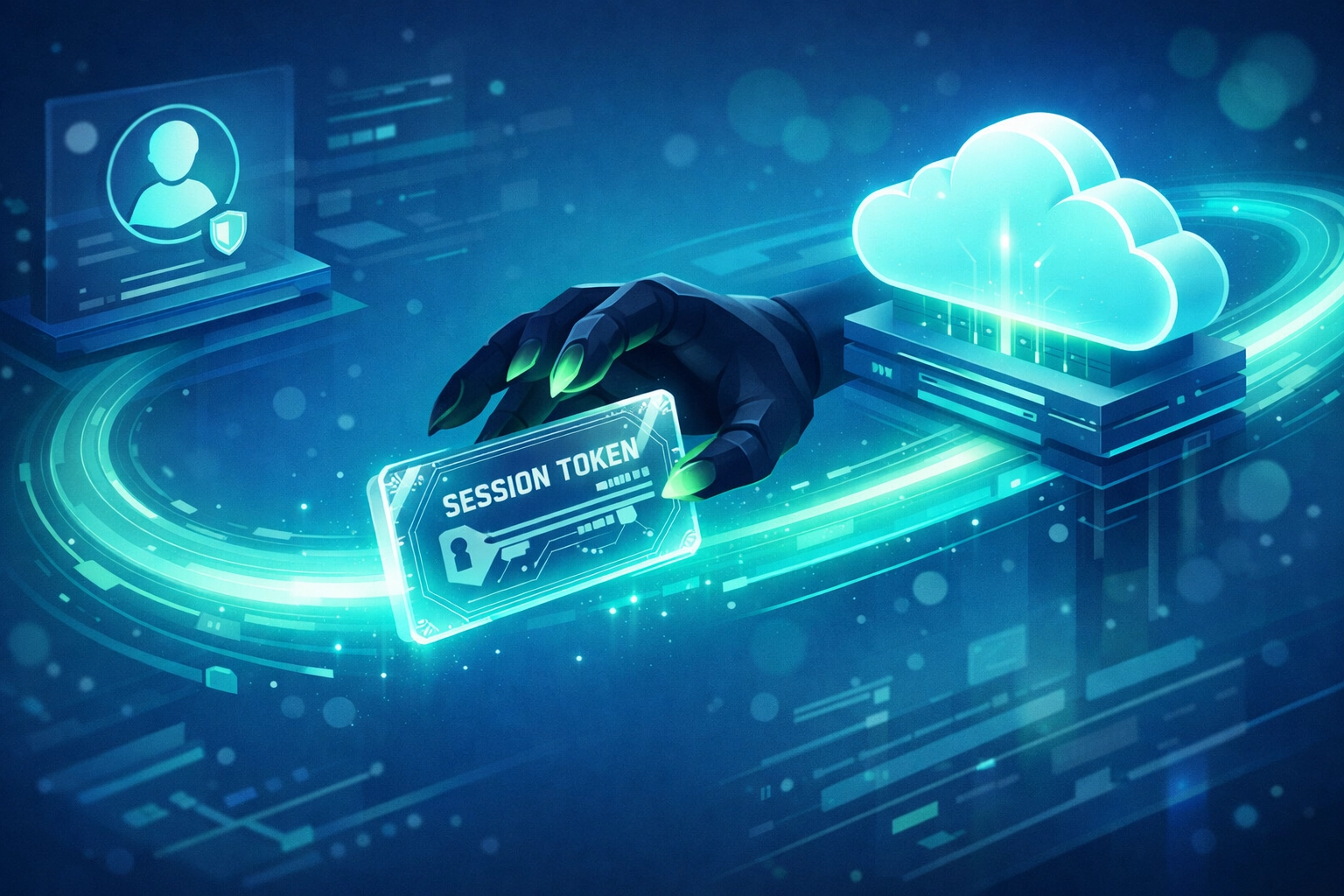
The goal of EvilTokens isn't to steal your password. In fact, the hackers don't care about your password at all. They want your Session Token.
Think of a session token like a "VIP Backstage Pass." Once you’ve logged into your email and completed your MFA, Microsoft gives your browser a token so you don't have to keep re-entering your password every five minutes. If a hacker steals that pass, they can walk into your account and the system will think they are you.
The "Device Code" Trick: Exploiting the IoT Loophole
To understand EvilTokens, you have to understand "Device Code Authentication."
Microsoft created this feature for devices that don't have a traditional keyboard or browser: think smart TVs, printers, or IoT devices. If you’ve ever tried to log into Netflix on your TV and it told you to "Go to a website and enter this 8-digit code," you’ve used this exact technology.
Hackers have realized they can use this same convenience to trick your employees. Here’s how the EvilTokens attack usually goes down:
- The AI-Crafted Lure: Your employee receives an email that looks incredibly legitimate. Thanks to AI, these aren't the typo-ridden "Nigerian Prince" emails of old. They look like official alerts from Adobe, DocuSign, or Microsoft 365, often claiming a document needs urgent verification.
- The Fake Verification: The victim clicks a link and is taken to a professional-looking page. It gives them an 8-digit code and a button that says "Continue to Microsoft."
- The Legitimate Login: When they click that button, they are sent to the actual Microsoft login page. This is the genius of the attack: the victim is typing their credentials into the real Microsoft site, not a fake one.
- The Handover: Once the victim enters the code and completes their MFA, they think they’ve just verified a document. In reality, they’ve just authorized the hacker's device to access their corporate account.
Why This Is a Nightmare for SMBs
For a small to mid-sized business, this is particularly dangerous for three reasons:
1. It Bypasses MFA Entirely
Because the victim is the one completing the MFA prompt on their own phone, the security system thinks everything is fine. There’s no "unauthorized" login attempt to block because the user authorized it themselves. This is a prime example of why Hackers are "Logging In" rather than breaking in.
2. Session Hijacking
Once the attacker has that token, they have a persistent connection to your environment. They can stay logged in for days or even weeks, quietly reading emails, stealing files, and setting up further attacks like wire fraud or ransomware.
3. Trust in Microsoft 365
Most SMBs rely heavily on the Microsoft ecosystem. We trust it. But EvilTokens exploits the very features designed to make Microsoft 365 easy to use across different devices. If you aren't actively monitoring for this type of activity, a hacker could be sitting in your inbox right now.

The "Logging In" Philosophy
At B&R Computers, we talk a lot about the "Identity Perimeter." In the old days, your security was a firewall around your office. Today, your security is the identity of your employees.
When a hacker uses EvilTokens, they aren't using a "brute force" attack to guess a password. They are using social engineering and AI to manipulate the authentication process.
Falling for these tricks is one of The Seven Deadly Sins of SMB Cybersecurity. Relying on MFA as a standalone "set it and forget it" solution is a recipe for disaster. Security is a process, not a product.
How to Protect Your Business
So, how do you stop something that uses your own employees to open the door? It requires a multi-layered approach, often guided by frameworks like NIST CSF 2.0.
1. Disable Device Code Flow (If You Don't Need It)
If your employees aren't regularly logging into Microsoft 365 from smart TVs or legacy printers, you can often disable the Device Code Flow in your Microsoft Entra (formerly Azure AD) settings. If the "door" isn't there, the hackers can't walk through it.
2. Conditional Access Policies
You can set up rules that say "Only allow logins from company-managed laptops" or "Block all logins from outside the US." This adds an extra layer of defense that session tokens alone can't bypass.
3. Advanced Identity Monitoring
Managed Service Providers (MSPs) like us use tools that look for "impossible travel." If an employee logs in from Allentown, PA, and then two minutes later a session token is used from an IP address in Eastern Europe, our systems flag it immediately.
4. Modern Awareness Training
Your team needs to know that a "code" is just as sensitive as a password. If an email asks them to "enter a code at microsoft.com/devicelogin" and they weren't expecting it, they need to hit the brakes and call IT.

How B&R Computers Can Help
The threat landscape is moving faster than ever. AI is making phishing lures perfect, and toolkits like EvilTokens are making complex hacks accessible to even low-level criminals.
You shouldn't have to spend your nights worrying about session hijacking and device code flows. That’s our job.
We specialize in managed IT and identity security for SMBs. We don't just "install antivirus"; we build a comprehensive defense strategy that monitors your identity perimeter 24/7. We help you implement the NIST CSF 2.0 standards to ensure that even if a token is stolen, the damage is contained and the threat is neutralized before it becomes a catastrophe.
The reality of 2026 is that hackers aren't "breaking in" anymore. They are waiting for you to let them in. Let’s make sure your doors are truly locked.
Ready to secure your identity perimeter?
Protect your business from EvilTokens and other advanced threats by booking a strategy session with our team. We’ll look at your current Microsoft 365 setup and show you exactly where the gaps are.
Book a B&R Cyber Strategy Session
Or, if you’re looking to educate yourself and your team on the latest threats, grab our free guide: