
Beyond the Password: How AI-Powered Phishing is Bypassing Your MFA
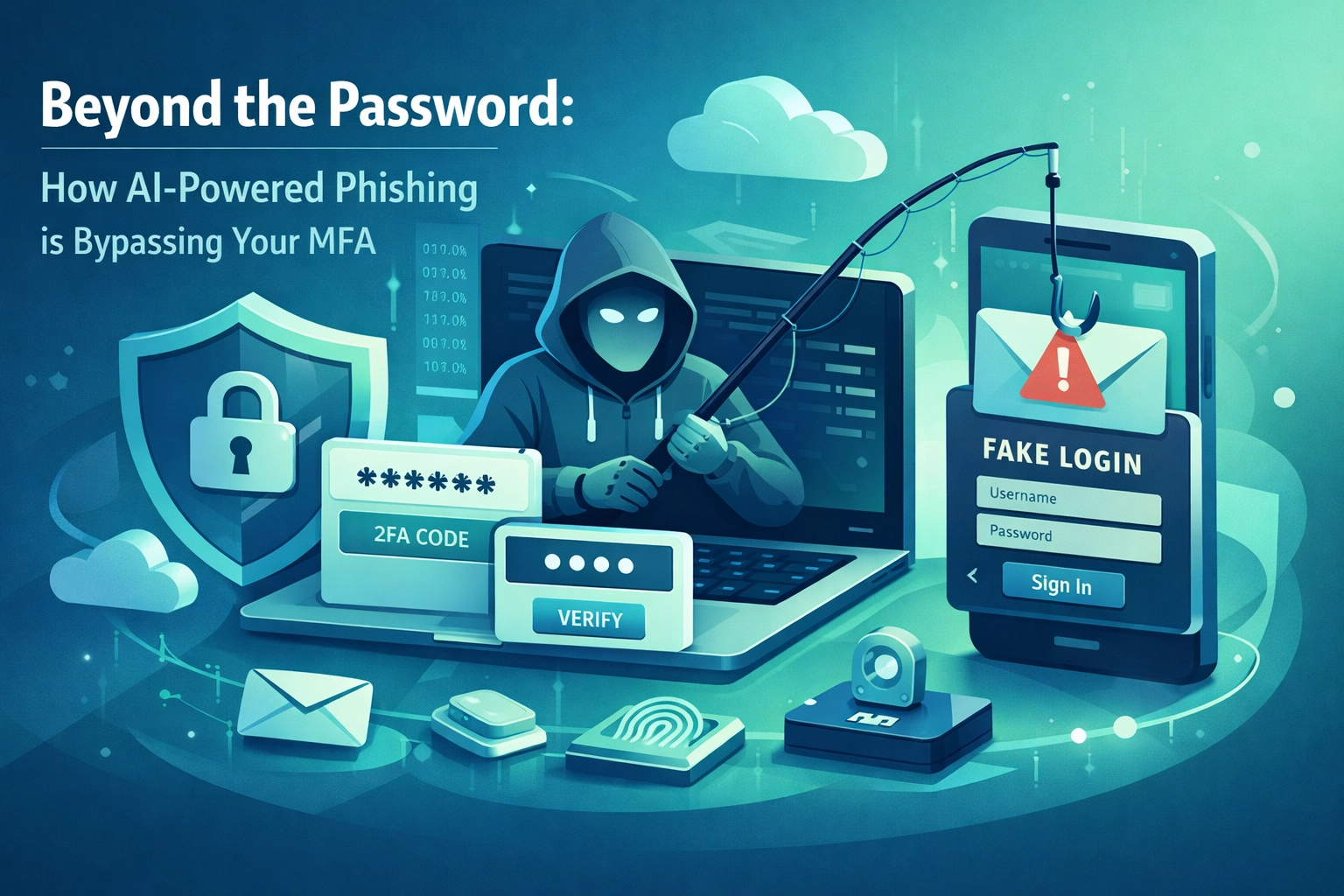
For years, the advice from every cybersecurity expert, myself included, has been pretty straightforward: "Enable MFA and you’ll be fine." We treated Multi-Factor Authentication like a digital suit of armor. If a hacker managed to guess your password, that secondary code on your phone would stop them cold.
But things have changed.
In the last few months, we’ve seen a massive shift in how cybercriminals operate. They aren't just trying to guess your password anymore. They’ve realized that the password is the hardest part to get, so they’re simply going around it. By using advanced AI and targeting the "session tokens" your browser uses to keep you logged in, attackers are walking right past MFA prompts like they aren't even there.
If you’re running a business today, you need to understand that the "MFA is enough" era is officially over. Here is how AI-powered phishing is changing the game and what you can do to protect your team at B&R Computers.
The Death of the "Obvious" Phish
We all remember the old phishing emails. They were riddled with typos, sent from "[email protected]," and usually promised you a million dollars if you just clicked a suspicious link. They were easy to spot.
AI has killed that version of phishing.
Today, attackers are using AI kits like "InboxPrime" to generate lures that are indistinguishable from legitimate business communications. These AI tools can mimic the tone, branding, and even the specific writing style of your vendors or colleagues.
Instead of a generic "Please sign this document," an AI-generated phish might say: "Hi Sarah, I noticed the quarterly update for the Railway project didn't include the updated infrastructure costs. Can you check the latest OAuth requirements on this secure portal?"
Because these emails are generated individually by AI, they don't have a "signature" that traditional spam filters can catch. Every single email is unique. To your email filter, it looks like a normal, one-on-one conversation.
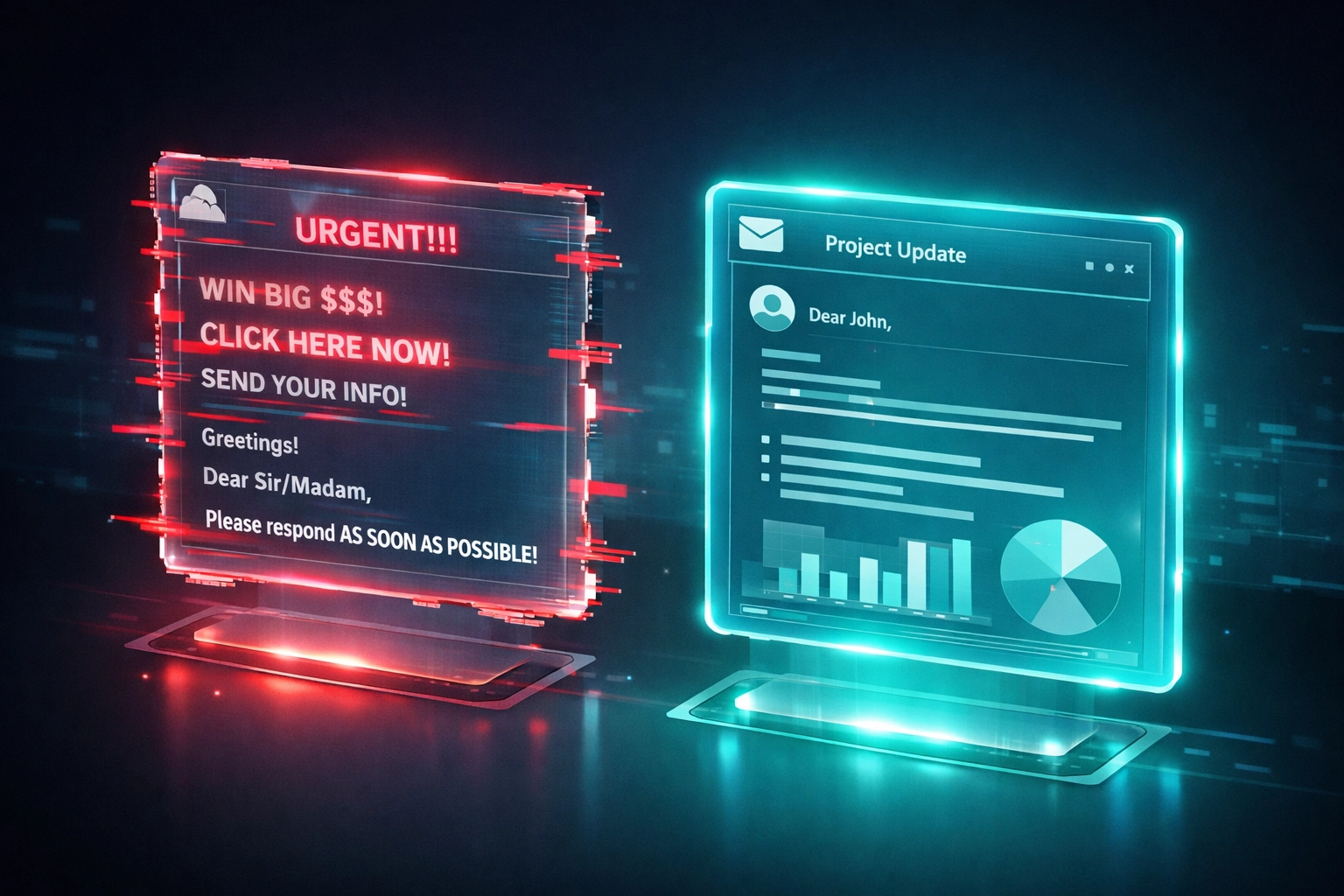 Description: A split-screen comparison. On the left, a traditional phishing email with typos and bad formatting. On the right, a perfectly polished, AI-generated business email that looks 100% authentic.
The "Railway" Campaign: Exploiting Infrastructure
A particularly nasty campaign we’ve been tracking involves the use of Railway, a legitimate cloud infrastructure platform. Attackers are hosting their malicious landing pages on these trusted cloud services because they know that most security software won't block traffic coming from a "safe" domain like Railway.
By leveraging legitimate cloud power, hackers can scale their attacks instantly. They aren't just sending ten emails; they’re sending ten thousand, all hosted on high-reputation infrastructure that slips right past your firewall.
Forget the Password: They Want Your Token
This is the most critical part of the new threat landscape. In a traditional attack, the hacker wants your password. In a modern "Adversary-in-the-Middle" (AitM) attack, they don't care about your password. They want your Session Token.
When you log into Microsoft 365 or Google, you enter your password and your MFA code. Once you’re in, the website drops a "token" in your browser. This token tells the website, "This person has already proven who they are; don't ask them for a password again for a while."
These tokens are the "backstage passes" of the internet. They can stay valid for 30, 60, or even 90 days.
AI-powered phishing kits now use "Man-in-the-Browser" techniques. When you click a link in a phishing email, you’re sent to a fake login page that looks exactly like Microsoft’s. As you type your password and enter your MFA code, the attacker’s server passes that information to the real Microsoft site in real-time.
Microsoft thinks it’s you. It issues a session token. The attacker intercepts that token and "clones" it into their own browser.
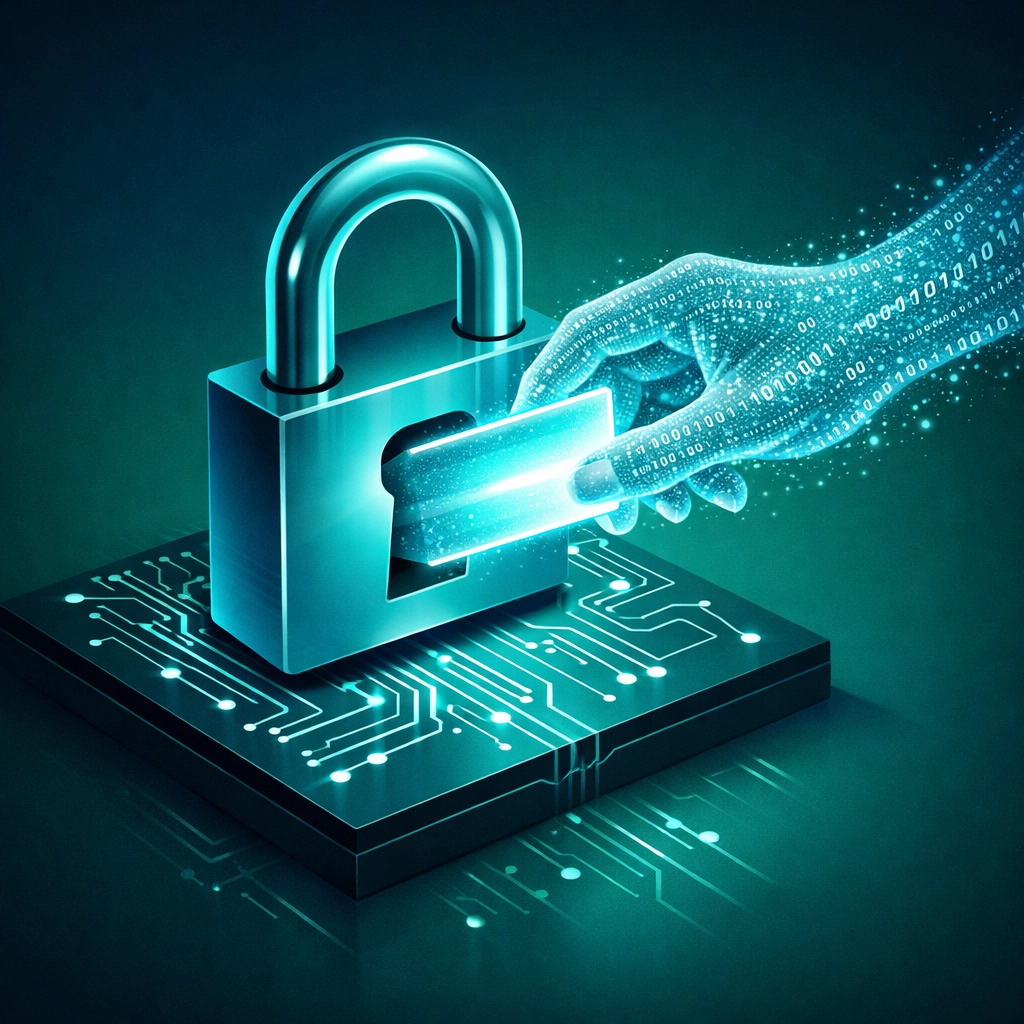 Description: A digital padlock that is locked, but a ghost-like hand made of binary code is pulling a glowing 'token' or 'keycard' out from behind it. This illustrates bypassing the lock without breaking it.
The result? The hacker is now logged into your account as you. They didn't "break" your MFA, they just stole the "Authorized" status that the MFA created. Because they have the token, they don't need to know your password, and they won't be asked for a second factor again.
Why This is the New Front Line for SMBs
For a small or medium-sized business, this is a nightmare scenario. If an attacker gets a hold of a 90-day session token for your Office 365 account, they have three months of uninterrupted access to your emails, your OneDrive files, and your contacts.
They can:
- Read your emails to understand how you talk to clients.
- Intercept invoices and change the wire transfer instructions (Business Email Compromise).
- Spread the infection by sending phishing emails from your real, authenticated account to your business partners.
Since the attacker is using a valid session token, your IT system won't flag any "failed login attempts." To the system, everything looks perfectly normal.
Moving Beyond Basic MFA
If MFA can be bypassed, does that mean it’s useless? Absolutely not. MFA still stops the vast majority of automated, low-level attacks. You should absolutely keep it enabled.
However, you need to layer your defenses. At B&R Computers, we recommend moving toward "Phishing-Resistant MFA."
1. FIDO2 and Hardware Keys
The gold standard is using hardware security keys (like YubiKeys). These use a protocol called FIDO2 that binds the login to the actual hardware and the specific URL of the site. If you’re on a fake phishing site, the hardware key simply won’t provide the token. It’s one of the few ways to truly stop AitM attacks.
2. Conditional Access Policies
You should limit the "lifespan" of those session tokens. While a 90-day token is convenient, it’s a massive risk. We help businesses set up policies that require re-authentication more frequently or only allow logins from "Compliant" devices that your company manages.
3. Monitoring and AI Consulting
If the bad guys are using AI to attack, you need to use AI to defend. Modern security tools can look for "impossible travel" (e.g., you logged in from New York, and 10 minutes later a session token is used in Eastern Europe) and automatically kill the session.
We’ve started working with more clients on AI Consulting to help them understand how these automated threats work and how to build a tech stack that can keep up with the speed of AI-driven crime.
Practical Steps for Your Team
Until you can get more advanced protections in place, there are a few things you can do today:
- Watch for the "Session Timeout" scam: If you are suddenly asked to log into Microsoft or Google when you were already logged in five minutes ago, be extremely suspicious. Close the tab and navigate to the site manually.
- Audit your OAuth permissions: Periodically check which third-party apps have access to your account tokens. If you don't recognize an app, revoke its access immediately.
- Check the SMB Cyber Playbook: We’ve put together a comprehensive guide for business owners who want to stay ahead of these threats. You can find it here: SMB Cyber Playbook.
The Bottom Line
The "lock and key" metaphor for cybersecurity is dead. We are now in the era of "Identity Security." It’s no longer about keeping people out; it’s about constantly verifying that the person already inside is who they say they are.
AI-powered phishing is sophisticated, but it isn't invincible. It just requires a more proactive approach to your IT services and a realization that your security needs to evolve as fast as the hackers do.
If you’re worried that your current setup might be vulnerable to token theft or AI-driven phishing, let’s talk. We can run a gap analysis on your current identity management and see where the holes are before a hacker finds them for you.
Ready to harden your defenses? Book a BRC Cyber Strategy Session here or visit our Contact Page to get started.
Stay safe out there,
Ryan Hertzog President, B&R Computers