Here's a sobering fact: 95% of cybersecurity breaches happen because of human error. Not because hackers are digital wizards who can crack any code, but because someone clicked the wrong link, sent an email to the wrong person, or took a "harmless" security shortcut.
That means if we could eliminate human mistakes entirely, we'd prevent 19 out of 20 cyberattacks. But since we're all human (and humans make mistakes), the real solution is understanding what these mistakes look like and building systems that catch them before they turn into disasters.
After analyzing thousands of breach reports, we've identified seven critical mistakes that teams make repeatedly: and more importantly, the practical fixes that actually work.
Mistake #1: Falling for Phishing Attacks (Even When They "Know Better")
Here's the irony: 86% of employees say they can confidently spot phishing emails, yet nearly 50% admit to falling for scams anyway. This confidence gap is dangerous because it creates a false sense of security.
Modern phishing isn't the obvious "Nigerian prince" emails anymore. Attackers now use AI to craft personalized messages that reference your recent LinkedIn activity, mimic your boss's writing style, or arrive right when you're expecting that invoice from your vendor.
The Fix: Layer your defenses with both technology and training. Deploy advanced email filtering that catches sophisticated phishing attempts, but also run monthly simulated phishing tests. When someone clicks the fake link, don't shame them: use it as a teaching moment with immediate, specific feedback about what made that email suspicious.
Mistake #2: Email Disasters That Expose Sensitive Data

Sending emails to the wrong recipient or attaching the wrong file might seem like minor slip-ups, but they've caused some massive breaches. One NHS employee accidentally put 800 HIV clinic patients' email addresses in the "to" field instead of "bcc," instantly exposing sensitive medical information to everyone on the list.
These mistakes typically happen when people are distracted, stressed, tired, or rushing to meet deadlines.
The Fix: Implement technical safeguards that prevent human error. For mass emails with sensitive recipients, make BCC mandatory through your email system. Set up delayed sending (even 30 seconds) for external emails, giving people a chance to catch mistakes. Create templates for common communications that reduce the chance of errors.
Mistake #3: Taking Security Shortcuts Under Pressure
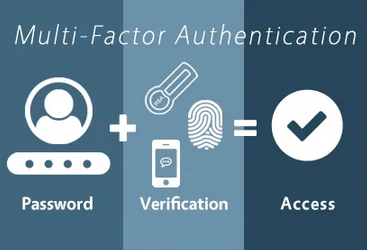
When faced with complex security requirements or tight deadlines, employees often find workarounds. Maybe they write down passwords, share login credentials with colleagues, or bypass multi-factor authentication "just this once." These shortcuts seem harmless in the moment but create exactly the openings attackers need.
The Fix: Make security the easier choice, not the harder one. If people are bypassing MFA, investigate why: is it too slow? Too complicated? Implement user-friendly security tools like single sign-on or passwordless authentication. When security processes are genuinely easier than the shortcuts, compliance goes up dramatically.
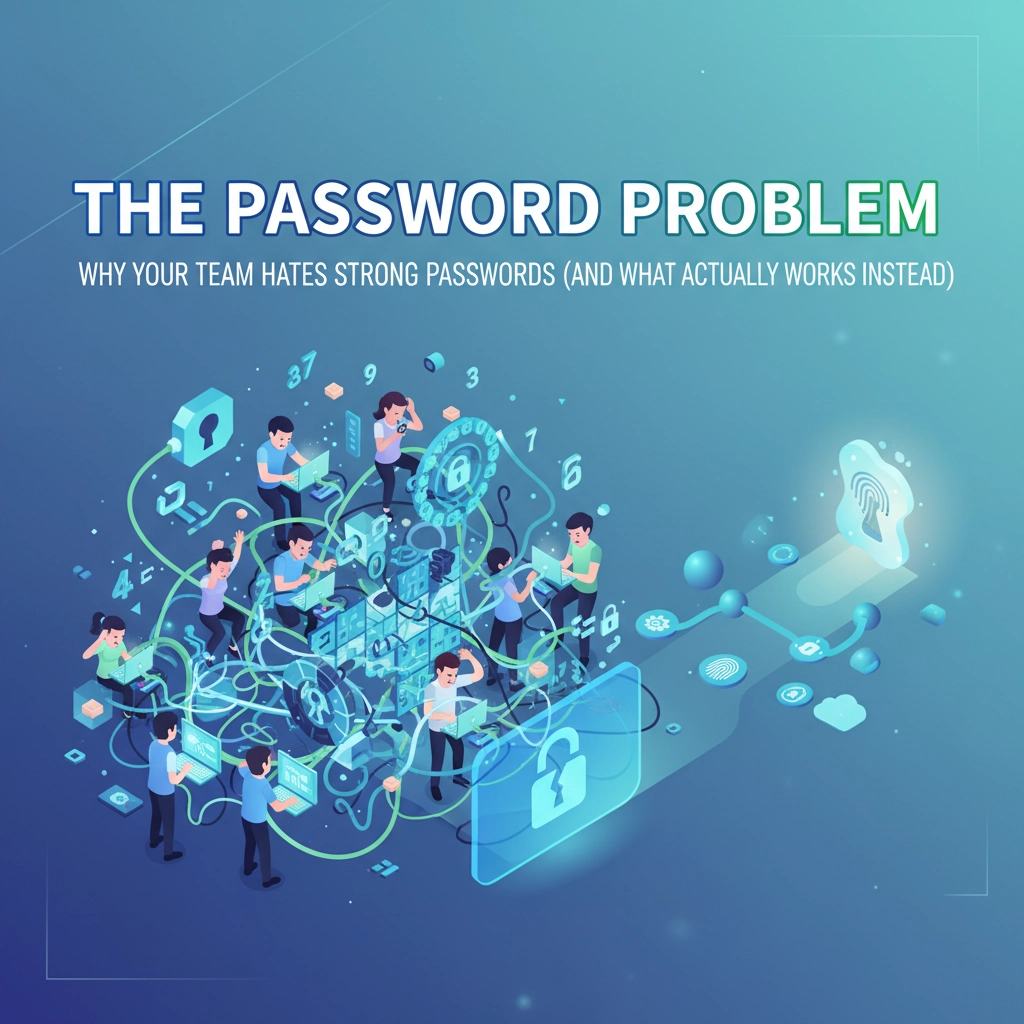
Mistake #4: Weak Password Practices (Despite Having Better Options)
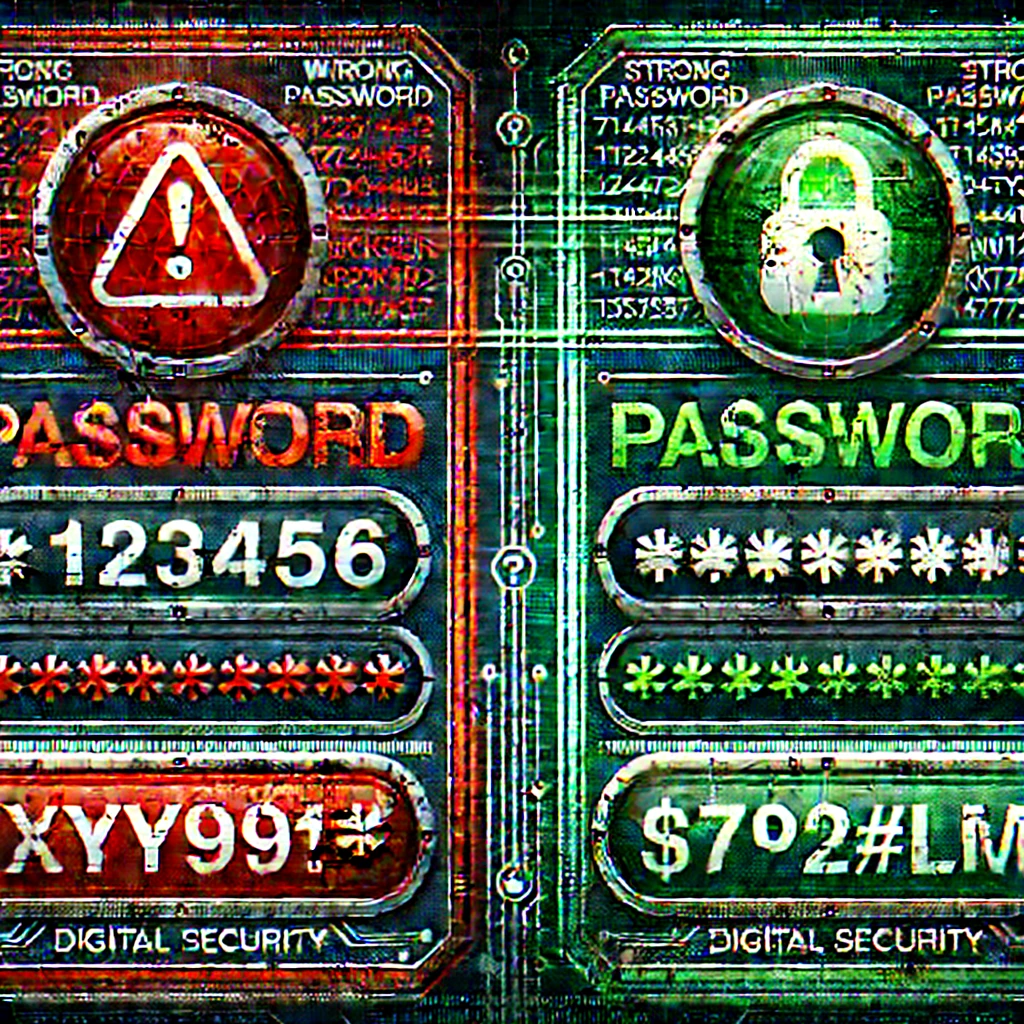
Even with access to password managers and authentication apps, many teams still use weak passwords or reuse the same password across multiple accounts. Part of this comes from password fatigue: the average business user has to remember credentials for 191 different services.
The Fix: Deploy enterprise password managers company-wide and make it policy. Don't just recommend it: require it and provide training on how to use it effectively. Consider moving toward passwordless authentication where possible, using biometrics or hardware keys instead of traditional passwords.
Mistake #5: Misconfiguring Access Controls
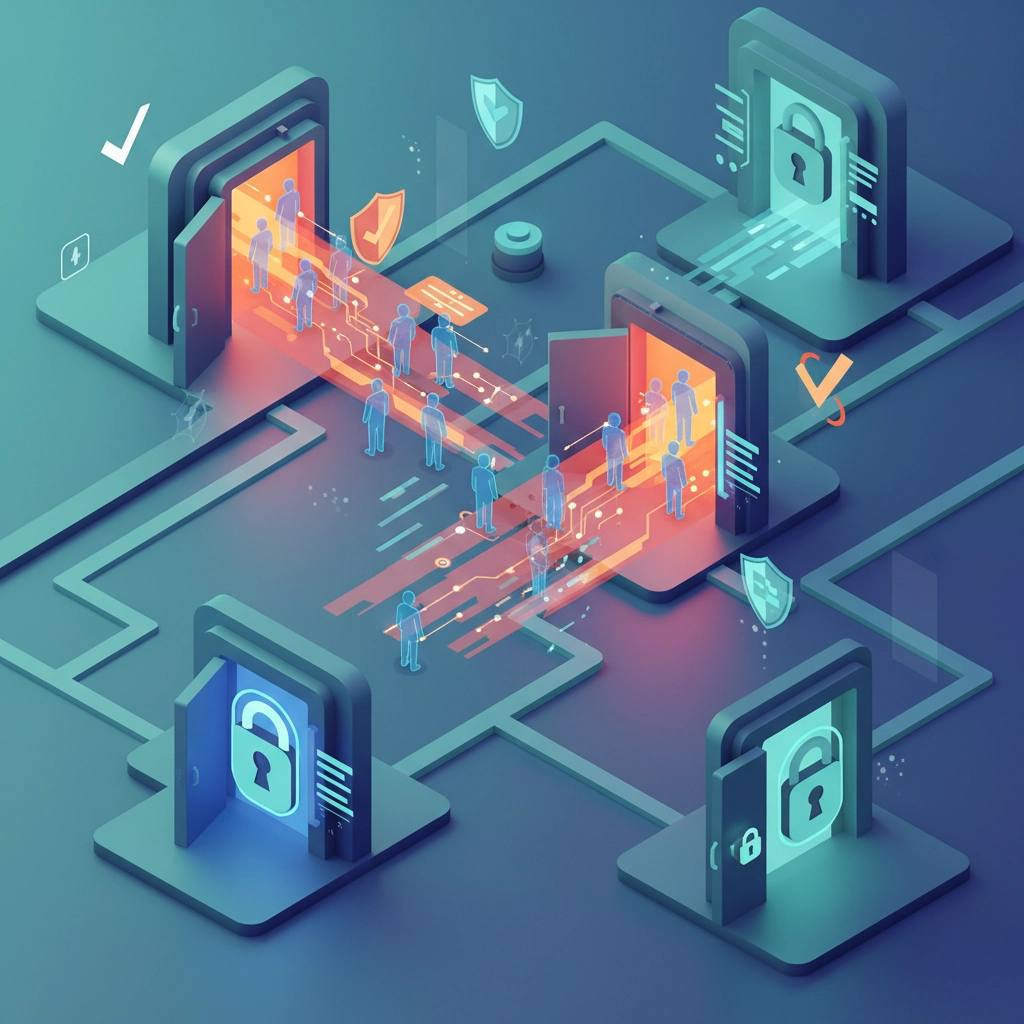
This is often an IT-specific error, but the consequences affect everyone. Common mistakes include granting excessive permissions, failing to revoke access when employees leave, or not implementing the principle of least privilege properly.
One misconfigured cloud storage bucket or overly permissive file share can expose your entire customer database to anyone on the internet.
The Fix: Implement automated access reviews that flag unusual permissions or accounts that haven't been used recently. Use role-based access control (RBAC) to standardize permissions based on job functions. Most importantly, make access revocation part of your standard offboarding process: not something that happens "when IT gets around to it."
Mistake #6: Falling for Social Engineering Tactics
Sophisticated attackers don't waste time writing code to break into systems when they can simply manipulate people into handing over access. They might call pretending to be from IT support, send fake vendor invoices, or create fake urgency around "account verification."
These attacks work because they exploit human psychology: our desire to be helpful, our response to authority, or our fear of getting in trouble.
The Fix: Establish verification procedures for any request involving sensitive data or system access, especially if it comes with time pressure. Train employees to recognize manipulation tactics and create a culture where it's okay (and encouraged) to double-check unusual requests through a separate communication channel.
Mistake #7: Using Public Wi-Fi for Sensitive Work

Remote work has made this problem worse. Employees working from coffee shops, airports, or hotels often connect to unsecured public Wi-Fi networks without thinking about the risks. Attackers can easily intercept data transmitted over these networks or set up fake Wi-Fi hotspots to capture login credentials.
The Fix: Provide company-managed VPN access for all remote workers and make it mandatory for accessing company systems. Consider providing mobile hotspots for employees who frequently work outside the office. Train people to recognize the signs of potentially malicious Wi-Fi networks.
The Real Solution: Building Error-Resistant Systems
Here's the thing about human error: it's not really about humans being careless or stupid. Most of these mistakes happen because the secure choice is harder, more confusing, or more time-consuming than the insecure choice.
The most effective approach combines three elements:
- Make security convenient: Tools and processes that are easier to use correctly than incorrectly
- Add technical safeguards: Systems that catch mistakes before they become breaches
- Create a blame-free culture: Environments where people report near-misses and mistakes so you can fix the underlying issues
Remember, when someone makes a "human error," ask what system failures made that error possible. Was the training inadequate? Was the secure process too complicated? Was there time pressure that encouraged shortcuts?
Your Next Steps
The 95% statistic isn't meant to make you paranoid about your team: it's meant to show you where to focus your security efforts. Technology can't solve human error, but the right combination of tools, training, and processes can make these mistakes much less likely and much less damaging when they do happen.
Start by identifying which of these seven mistakes pose the biggest risk to your organization, then implement the corresponding fixes systematically. Don't try to tackle everything at once: focus on the highest-impact changes first.
Ready to build error-resistant security systems for your business? Contact B&R Computers to discuss how we can help you implement the technical safeguards and training programs that actually prevent human error from becoming costly breaches.