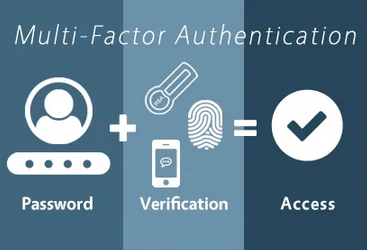

You probably think your Microsoft 365 data is safe because you have multi-factor authentication enabled. But here's the uncomfortable truth: hackers are bypassing MFA every day, not by breaking the technology, but by exploiting the mistakes almost everyone makes when implementing it.
In fact, cybercriminals have gotten so good at circumventing MFA that they're now targeting it as systematically as they once targeted passwords. The difference? Most organizations don't even realize they're making these critical errors until it's too late.
Let's dive into the seven most dangerous MFA mistakes that are putting your business at risk right now: and more importantly, how to fix them before hackers exploit them.
Mistake #1: Not Using MFA at All (The $10 Million Dollar Oversight)
This might seem obvious, but it's the most critical mistake organizations make. Despite years of security awareness, only 22% of Azure Active Directory customers actually use multi-factor authentication. That means 78% of businesses are leaving their Microsoft 365 environments protected by nothing more than passwords.
How hackers exploit this: Once attackers obtain valid credentials through phishing emails, data breaches, or simple password spraying attacks, they have immediate access to everything. No second verification, no additional barriers: just straight access to your email, SharePoint files, Teams conversations, and sensitive business data.
The financial impact is staggering. A single compromised email account can lead to business email compromise (BEC) attacks averaging $120,000 per incident. Without MFA, you're essentially handing hackers the keys to your digital kingdom.

Mistake #2: Falling for MFA Fatigue Attacks (The Push Notification Trap)
Many organizations enable MFA but choose the most convenient option: push notifications to mobile apps. While this feels secure, it's actually creating a new attack vector that hackers are exploiting with alarming success.
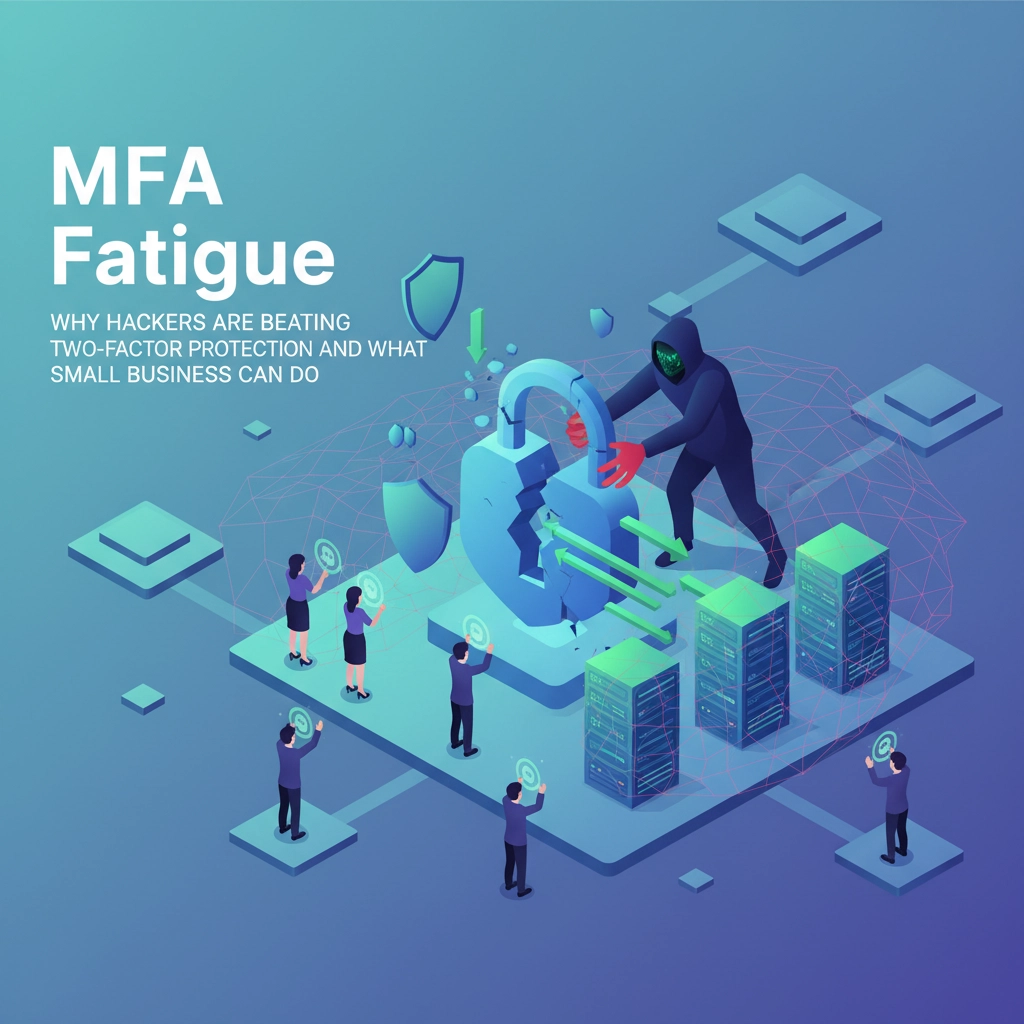
How hackers exploit this: Cybercriminals with valid passwords launch "MFA bombing" attacks: sending dozens of push notifications to legitimate users within minutes. They're banking on human psychology: eventually, a frustrated or distracted employee will tap "approve" just to make the notifications stop.
This isn't theoretical. Major breaches at companies like Uber and Cisco started exactly this way. Attackers flood users with authentication requests until someone accidentally approves access out of annoyance or confusion.
The fix: Switch to time-based one-time passwords (TOTP) or, better yet, hardware security keys. These methods require intentional action and can't be overwhelmed with repeated requests.
Mistake #3: Configuration Chaos (When Three MFA Systems Fight Each Other)
Microsoft 365 gives you multiple ways to configure MFA: Security Defaults, per-user MFA settings, and Conditional Access policies. Most IT teams don't realize these systems can conflict with each other, creating gaps in protection that look secure but aren't.
How hackers exploit this: Attackers who understand these configuration conflicts can identify accounts where MFA appears enabled but isn't actually enforced. They probe authentication endpoints to find these gaps, then exploit accounts that should be protected but aren't due to conflicting settings.
For example, Security Defaults might show MFA as "enabled" while per-user settings show it as "disabled," creating confusion about what's actually protecting accounts. Hackers research these common misconfigurations and specifically target organizations showing these inconsistencies.
Mistake #4: Ignoring the Authenticator App Update Problem
Users regularly neglect to update their Microsoft Authenticator apps, and IT departments rarely enforce authenticator app maintenance. Outdated authentication apps contain known security vulnerabilities that sophisticated attackers actively exploit.
How hackers exploit this: Cybercriminals maintain databases of known vulnerabilities in older versions of popular authenticator apps. They scan for devices running vulnerable versions, then exploit app-specific weaknesses to bypass authentication entirely.
Additionally, when users accidentally delete authenticator apps without proper backup procedures, they often contact IT support through insecure channels or reset their authentication methods in ways that temporarily bypass MFA requirements: creating windows of vulnerability that attackers monitor and exploit.

Mistake #5: Time Sync Failures That Disable Security
One-time password codes rely on synchronized clocks between your device and Microsoft's servers. When clocks drift out of sync: which happens more often than you'd think: authentication codes stop working, leading frustrated users to disable MFA or find workarounds.
How hackers exploit this: Attackers deliberately target organizations during periods when technical issues are causing MFA failures. They monitor for signs that users are experiencing authentication problems, then launch attacks during these windows when security policies are likely to be relaxed or temporarily disabled.
Social engineering also comes into play here. Hackers impersonate IT support during legitimate MFA technical difficulties, offering "temporary solutions" that actually disable security protections.
Mistake #6: No Monitoring of Failed Authentication Attempts
Most organizations enable MFA but don't properly monitor authentication logs for suspicious patterns. Microsoft's systems will block repeated failed attempts, but many companies don't investigate why these blocks occurred or respond appropriately to authentication anomalies.
How hackers exploit this: Sophisticated attackers use failed authentication attempts as reconnaissance. They systematically probe accounts to understand your MFA implementation, test response times, and identify accounts with weaker authentication requirements.
They also use failed attempt patterns to identify high-value targets. If an account triggers multiple security blocks, it often indicates someone important whose credentials would be valuable for further attacks.

Mistake #7: Treating All MFA Methods as Equal
Not all second factors provide equal security. SMS codes can be intercepted, voice calls can be spoofed, and email-based verification defeats the purpose if the email account is already compromised. Yet many organizations choose the most convenient options rather than the most secure ones.
How hackers exploit this: Attackers specifically target organizations using weaker MFA methods. SMS hijacking through SIM swapping has become routine for determined cybercriminals. Email-based MFA is particularly vulnerable because if hackers already have email access, they can approve their own authentication requests.
Voice-based MFA can be defeated through social engineering and voice deepfakes, while app-based notifications remain vulnerable to the fatigue attacks mentioned earlier.
The Right Way to Implement MFA (Before It's Too Late)
Here's how to fix these problems before hackers exploit them in your environment:
Start with hardware security keys for your most critical accounts: executives, IT administrators, and finance personnel. FIDO2 security keys are virtually impossible to phish and eliminate most of the attack vectors discussed above.
Standardize on TOTP codes for general users rather than push notifications. Time-based codes require intentional action and can't be overwhelmed with repeated requests.
Audit your MFA configuration across all three Microsoft 365 interfaces (Security Defaults, per-user MFA, and Conditional Access) to eliminate conflicts and gaps.
Implement comprehensive monitoring of authentication attempts, failures, and anomalies. Set up alerts for repeated failed attempts and investigate them promptly.
Create backup authentication methods for every user and document recovery procedures to prevent security bypasses when primary methods fail.
Enforce regular updates of authenticator applications and provide clear procedures for users experiencing technical difficulties.
Your Next Steps
MFA remains your strongest defense against account compromise, but only when implemented correctly. The mistakes outlined above aren't just theoretical: they're being exploited right now against businesses just like yours.
Don't wait until you're dealing with a breach to discover these vulnerabilities in your own environment. At B&R Computers, we've helped hundreds of organizations strengthen their MFA implementations and close the security gaps that hackers are actively exploiting.
Ready to audit your MFA setup and eliminate these dangerous mistakes? Contact us today for a comprehensive review of your Microsoft 365 authentication security. We'll identify exactly where your vulnerabilities lie and provide a clear roadmap for fixing them before they become costly problems.
Because when it comes to cybersecurity, it's always better to be proactive than sorry.