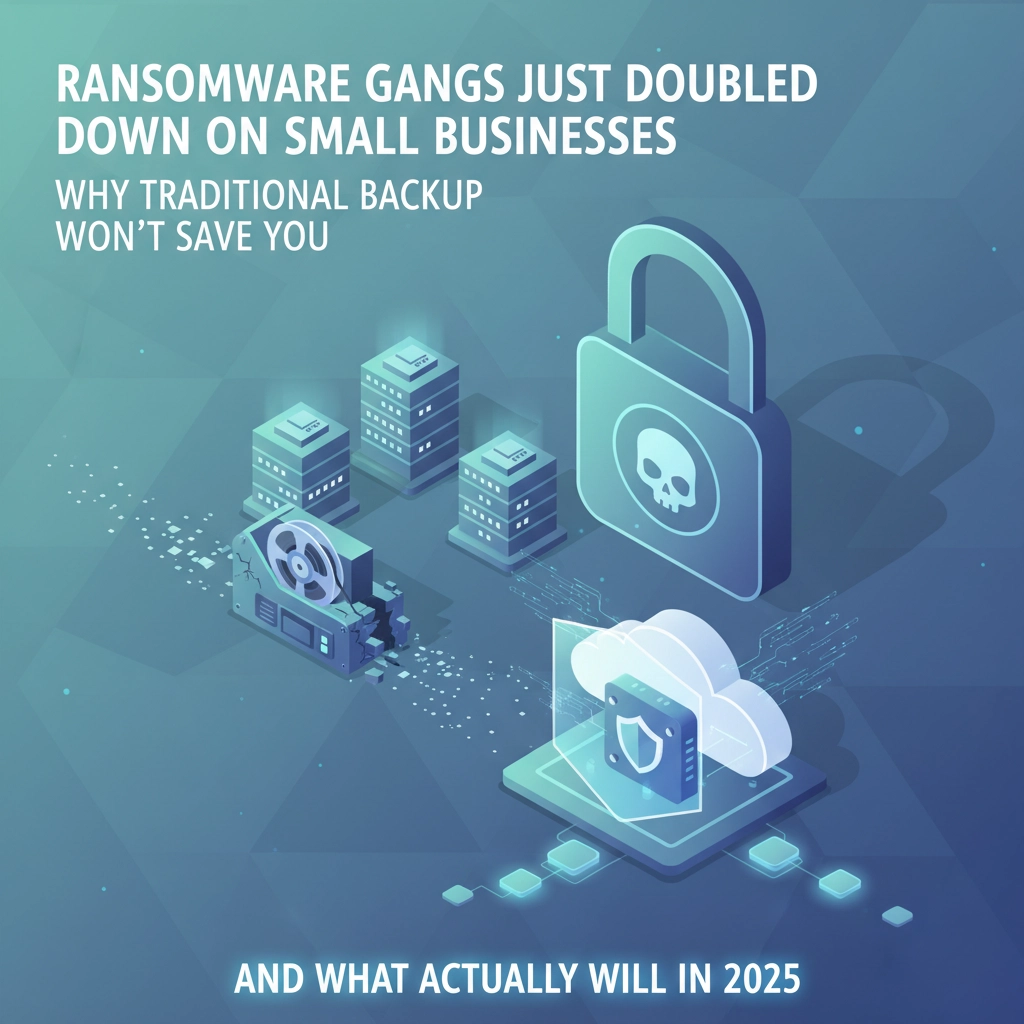

The ransomware landscape has exploded. Security researchers are tracking 85+ active ransomware groups right now, each one evolving their tactics to bypass traditional defenses. While most businesses think they're protected with basic backups, the harsh reality is that 40% of ransomware victims can't recover their data even when they have backups in place.
Why? Because most backup strategies weren't designed for today's sophisticated double-extortion attacks where hackers steal your data first, then encrypt everything: including your backups.
If you're making any of these seven critical mistakes, you're leaving your business exposed to devastating ransomware attacks that could shut you down for weeks or permanently damage your reputation.
Mistake #1: You're Not Actually Testing Your Backups
The Problem: Most businesses set up automated backups and assume they work. But when ransomware strikes, they discover their backups are corrupted, incomplete, or completely unrestorable. You might have terabytes of "backed up" data that's actually worthless when you need it most.
The Reality Check: If you can't remember the last time you successfully restored a file from backup, you're gambling with your entire business.
The Fix: Implement monthly restoration tests using real data scenarios. Don't just check if the backup job completed: actually restore files and applications to verify they work. Create a simple testing schedule:
- Weekly: Restore individual files from different departments
- Monthly: Restore an entire application or database
- Quarterly: Run a full disaster recovery simulation
Set up automated alerts that notify you if restoration tests fail, not just if backup jobs fail.

Mistake #2: All Your Backups Are in the Same Attack Path
The Problem: Storing backups on network-attached storage, cloud drives accessible from your network, or servers that share credentials with your main systems means ransomware can encrypt your backups along with everything else.
Modern ransomware groups specifically target backup systems first. They know if they can destroy your recovery options, you're more likely to pay their ransom demands.
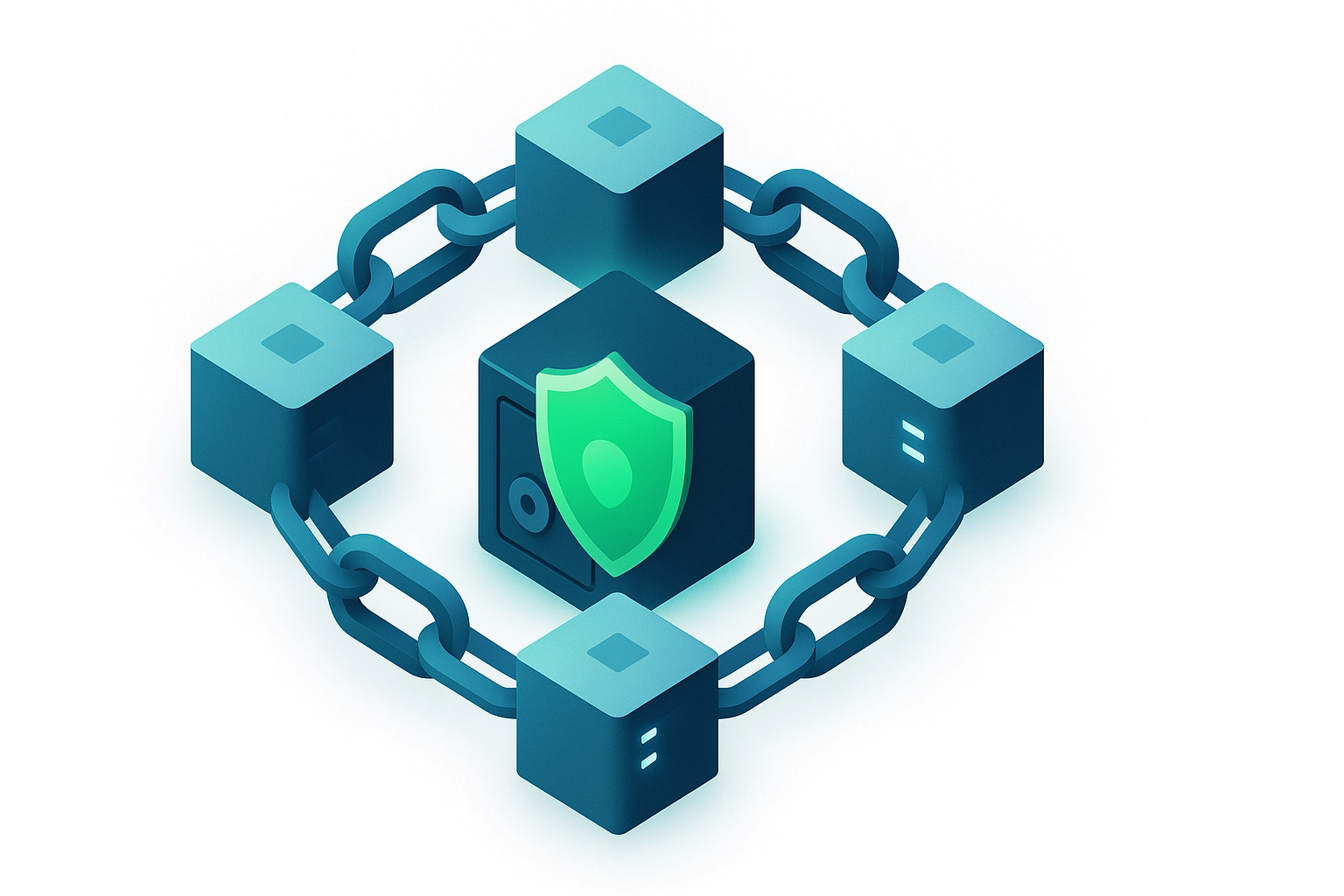
The Fix: Follow the 3-2-1-1 rule (an upgrade from the old 3-2-1):
- 3 copies of critical data
- 2 different storage types (local + cloud)
- 1 offsite location
- 1 air-gapped or immutable backup
Air-gapped means completely disconnected from your network. Immutable means the backup cannot be altered or deleted for a set period. Both options ensure ransomware can't reach your recovery data.
Mistake #3: You're Ignoring Application Dependencies
The Problem: You back up individual files and databases but miss the complex relationships between applications, configurations, and services. When you try to restore, applications won't start because they're missing registry entries, certificates, or custom configurations.
The Fix: Implement application-aware backups that capture:
- Database transaction logs and dependencies
- System configurations and registry settings
- Security certificates and authentication keys
- Custom application configurations
- Inter-application dependencies
For critical business applications like your ERP or CRM system, document the complete restoration process including the exact order systems must be brought online.

Mistake #4: Your Backup Security Is Weaker Than Your Production Security
The Problem: Many businesses secure their production systems but leave backup infrastructure exposed with default passwords, no multi-factor authentication, or excessive user privileges. Attackers often find backup systems easier to compromise than main systems.
The Fix: Apply the same security standards to backup infrastructure:
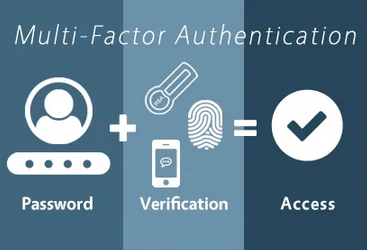
- Enable MFA on all backup system accounts
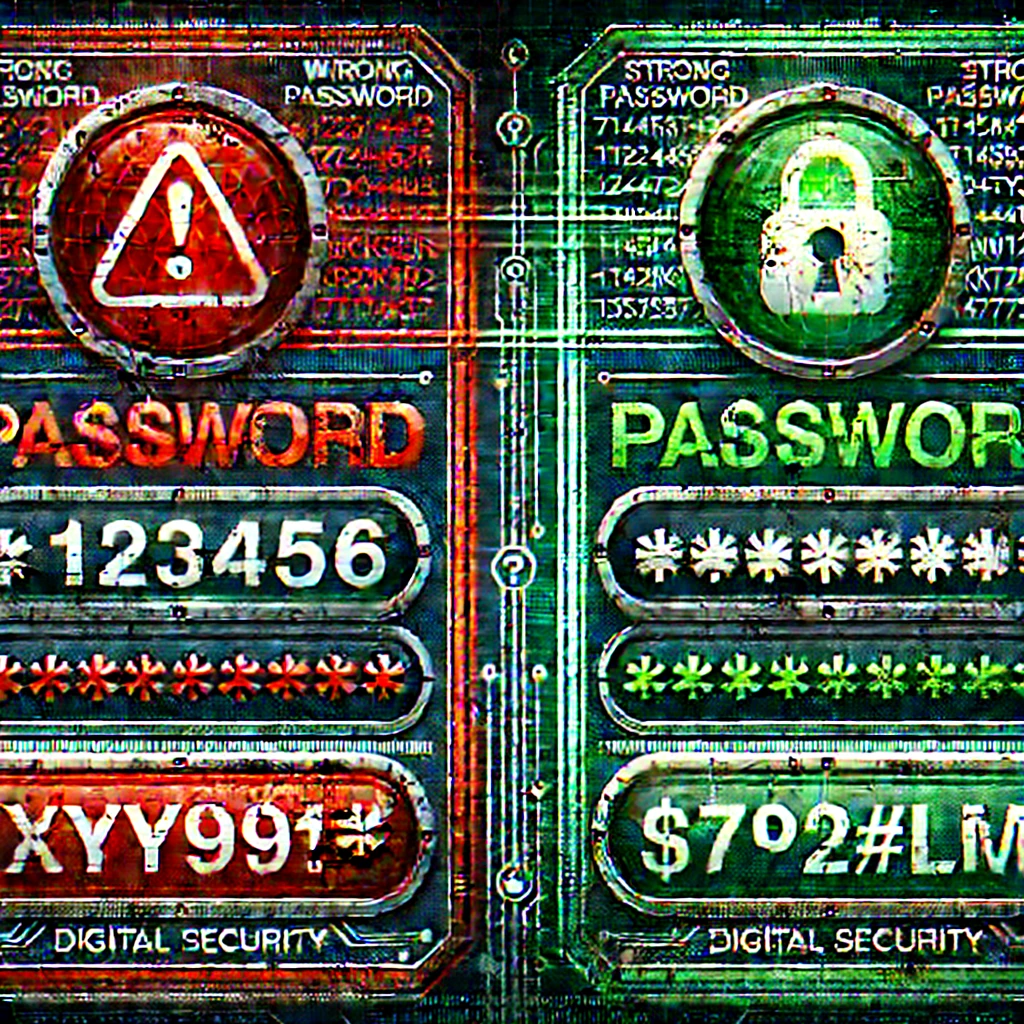
- Use unique, complex passwords for backup service accounts
- Limit backup system access to essential personnel only
- Monitor backup system access logs for suspicious activity
- Keep backup software updated with latest security patches
Treat your backup systems as crown jewels: they contain everything a cybercriminal wants.
Mistake #5: You're Not Planning for Cloud and SaaS Data Loss
The Problem: Assuming Microsoft 365, Google Workspace, Salesforce, and other cloud services automatically protect your data. These platforms have limited retention periods and don't protect against accidental deletion, ransomware in synchronized folders, or malicious insider actions.
The Reality: Most cloud services only retain deleted data for 30-90 days. After that, it's gone forever.
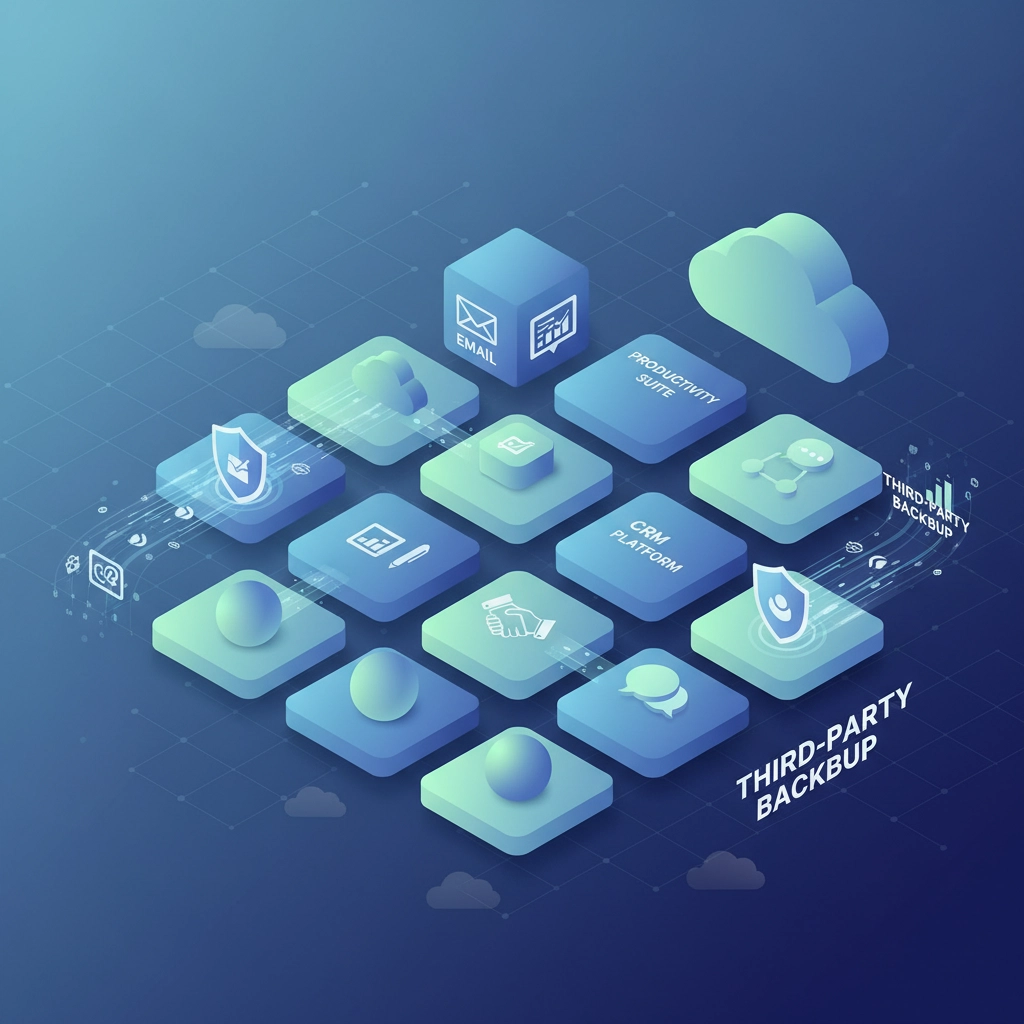
The Fix: Implement third-party backup solutions for all critical SaaS applications:
- Email and productivity suites: Backup entire mailboxes, SharePoint sites, and Teams data
- CRM systems: Capture all custom configurations, workflows, and historical data
- Financial systems: Ensure compliance with data retention requirements
- Collaboration platforms: Protect shared files and project data
Don't rely on cloud providers to protect your business-critical data.
Mistake #6: Your Recovery Time Expectations Are Unrealistic
The Problem: Businesses often estimate recovery will take hours when the reality is days or weeks. They don't account for the time needed to rebuild systems from scratch, reconfigure applications, or restore complex interdependent services.
The Fix: Create realistic recovery time objectives (RTO) and recovery point objectives (RPO) for each critical system:
- Tier 1 systems (business stops without them): 4-hour RTO, 1-hour RPO
- Tier 2 systems (significant impact): 24-hour RTO, 4-hour RPO
- Tier 3 systems (manageable delays): 72-hour RTO, 24-hour RPO
Build buffer time into your estimates. If you think recovery will take 8 hours, plan for 24 hours. Document the exact restoration sequence and assign specific responsibilities to team members.
Mistake #7: You Have No Communication Plan for During an Attack
The Problem: When ransomware hits, chaos ensues. Nobody knows who should communicate with customers, vendors, or authorities. Critical decisions get delayed while teams scramble to figure out basic logistics like how to communicate when email systems are down.
The Fix: Develop a comprehensive incident communication plan:
- Internal communications: Establish backup communication channels (personal phones, external messaging apps)
- Customer notifications: Pre-written templates for different scenarios
- Vendor coordination: Contact lists for critical suppliers and service providers
- Authority reporting: Know which incidents require reporting to law enforcement, regulators, or cyber insurance providers
- Media response: Designate a single spokesperson and prepare holding statements
Practice your communication plan during tabletop exercises. When systems are down, you need everyone to know their role instinctively.
The Bottom Line: Your Backup Strategy Needs an Upgrade
With 85+ ransomware groups actively targeting businesses of all sizes, traditional backup approaches aren't enough anymore. These attackers are sophisticated, well-funded, and specifically trained to defeat basic backup strategies.
But here's the good news: by fixing these seven critical mistakes, you'll be better protected than 90% of businesses out there. Most companies are still making these fundamental errors, which means taking action now gives you a significant security advantage.
Don't wait until you're the next ransomware victim to discover your backup strategy doesn't work. The time to test and improve your defenses is now, while you still have the luxury of planning instead of reacting.
Ready to bulletproof your backup strategy against today's ransomware threats? At B&R Computers, we help businesses build ransomware-resistant backup and recovery systems that actually work when you need them most. Contact us today for a free backup strategy assessment and discover where your current approach leaves you vulnerable.