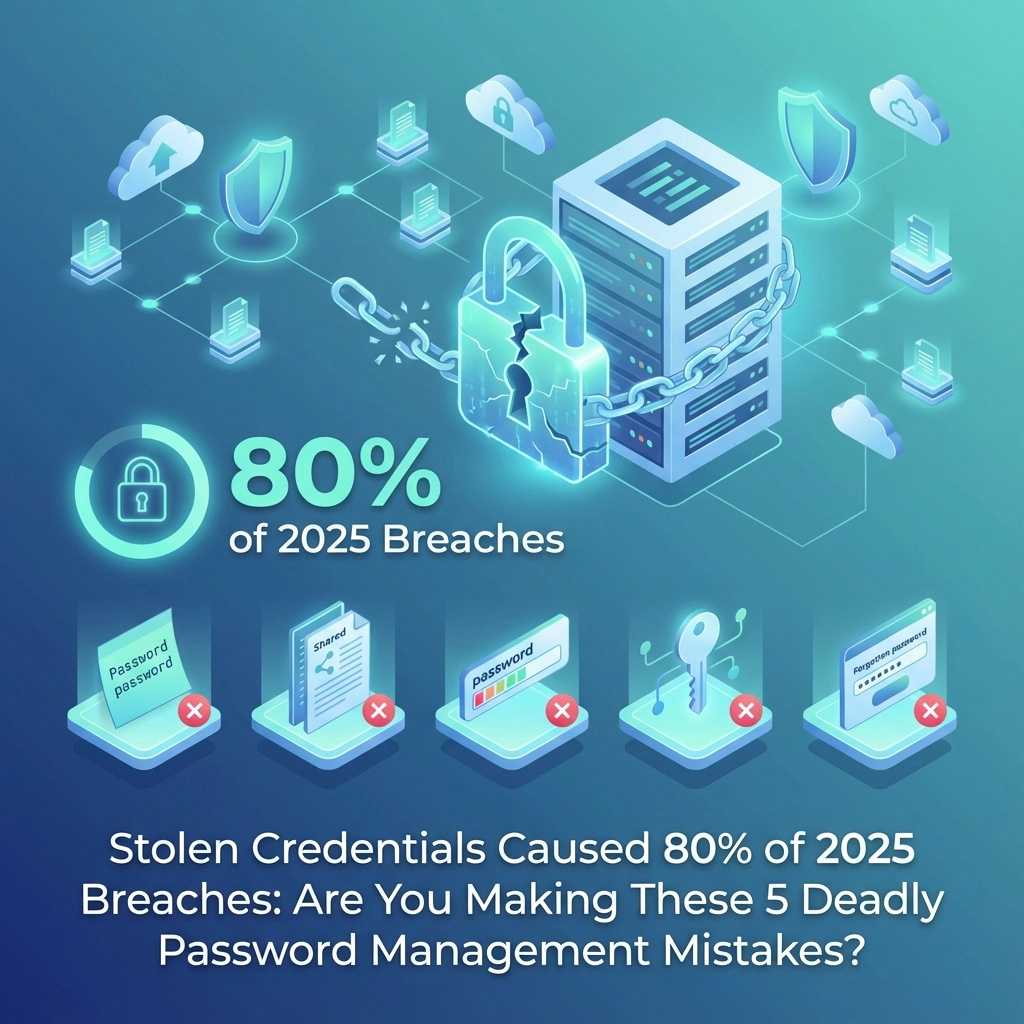
The headline number needs correction: stolen credentials were actually involved in 53% of data breaches in 2025, according to Verizon's Data Breach Investigations Report. While not quite 80%, that's still more than half of all breaches: making credential security your most critical defensive priority.
Here's what makes this worse: Check Point External Risk Management reported a 160% increase in compromised credentials in 2025 compared to 2024. Your business credentials are under unprecedented attack, and most small businesses are making the same five deadly mistakes that hand hackers the keys to everything.
The Real Scope of Credential Attacks
Before diving into the mistakes, understand what you're up against. When attackers follow credential-based attack patterns, 88% of those breaches involve stolen credentials. The math is simple: if hackers can steal your passwords, they will use them successfully almost 9 times out of 10.

The attack methods are getting more sophisticated:
Database Breaches: Hackers exploit software vulnerabilities or compromised admin accounts to extract entire password databases. Your credentials might be stolen from a completely different company you've never heard of.
Advanced Phishing: Beyond simple email tricks, attackers now use voice phishing (vishing) and SMS phishing (smishing) to extract login information through phone calls and text messages.
Malware Evolution: Modern infostealers, keyloggers, and spyware operate silently on infected devices, capturing every keystroke as employees type passwords.
The most alarming finding: organizations take an average of 94 days to remediate compromised credentials found in GitHub repositories. That's over three months where your stolen passwords circulate freely in hacker forums.
Mistake #1: Using the Same Password Across Multiple Systems
This is the credential stuffing jackpot. When hackers obtain your password from one breach, they immediately test it on dozens of other platforms. Since 65% of people reuse passwords across multiple accounts, this strategy works frighteningly well.
The Business Impact: One compromised personal account can unlock your company's entire Microsoft 365 environment, banking systems, and vendor portals.
The Fix: Implement unique passwords for every single business system. Use a business-grade password manager like Bitwarden Business or 1Password Business to generate and store unique credentials for each platform.
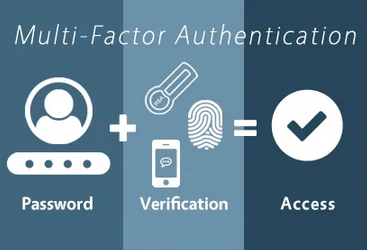
Mistake #2: Ignoring Multi-Factor Authentication (MFA) Gaps
Having MFA enabled isn't enough: you need it configured correctly. Many businesses enable MFA but leave critical gaps that hackers exploit.

Common MFA failures include:
- Using SMS-based authentication (vulnerable to SIM swapping)
- Not requiring MFA for administrative accounts
- Allowing MFA bypasses for "trusted" devices indefinitely
- Forgetting to enable MFA on newly integrated applications
The Fix: Audit every business application for MFA requirements. Use app-based authenticators or hardware tokens instead of SMS. Require MFA re-verification every 30 days, even on trusted devices.
Mistake #3: Neglecting Employee Personal Account Security
Your employees' personal accounts directly threaten your business security. When hackers breach personal accounts with reused passwords, they gain insight into your company structure, vendor relationships, and often direct access to business systems.
Real-World Example: An employee's compromised Gmail account revealed their corporate Microsoft 365 login (same password), vendor contact lists, and internal project discussions. The attacker used this intelligence to launch targeted phishing campaigns against your clients.
The Fix: Implement a personal cybersecurity policy for employees. Require business-grade password managers for personal use and provide cybersecurity training that covers personal account security.
Mistake #4: Failing to Monitor for Compromised Credentials
Most businesses only discover compromised credentials after a successful attack. Meanwhile, stolen credentials from your organization are actively traded in dark web forums for months before being used.

The Reality Check: Security researchers regularly find corporate credentials for sale in underground marketplaces. If you're not monitoring for your domain names and employee information in these channels, you're operating blind.
The Fix: Implement dark web monitoring services that scan for your company domain, employee email addresses, and corporate information in hacker forums. Services like Have I Been Pwned for Business or ID Agent's Dark Web ID can alert you to compromised credentials before attackers use them.
Mistake #5: Treating Password Policies Like Compliance Checkboxes
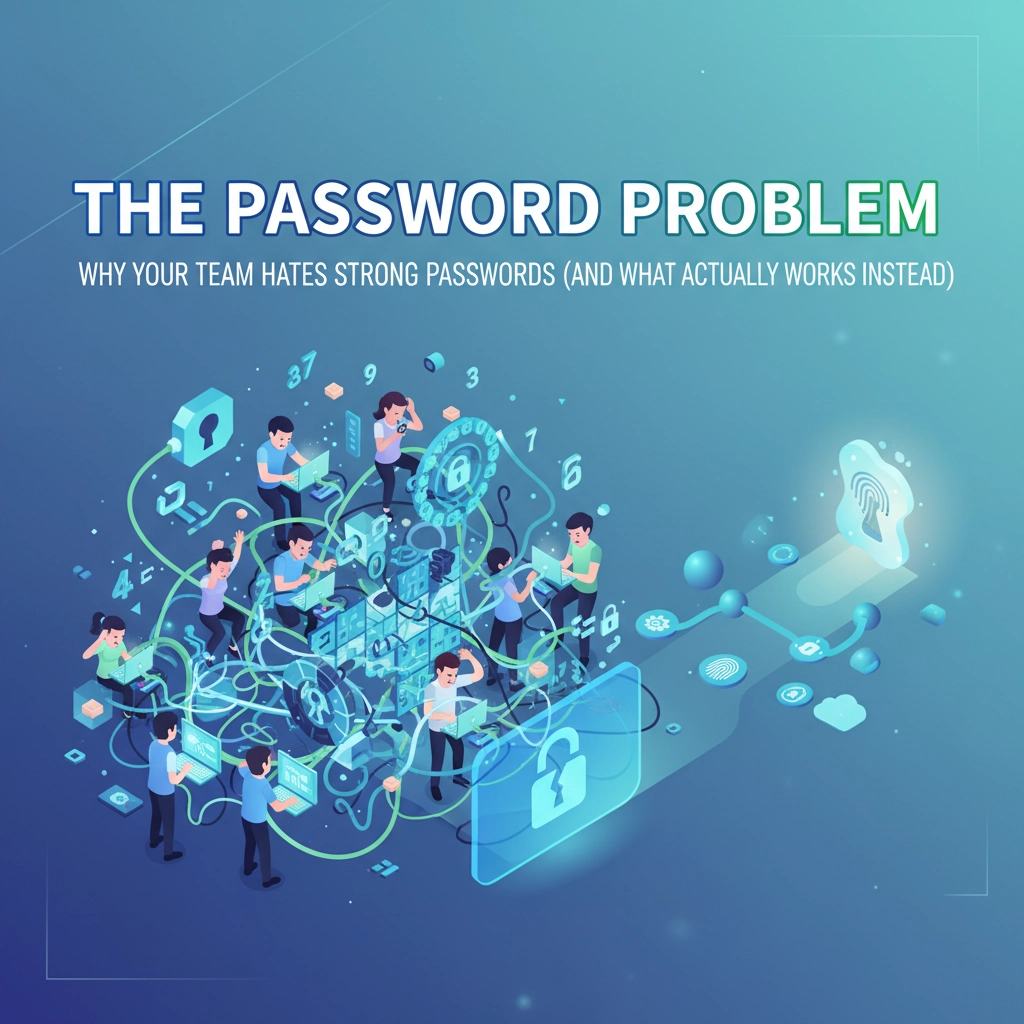
Most businesses implement password policies to meet compliance requirements, not to actually prevent attacks. The result: policies that frustrate employees while providing minimal security improvement.
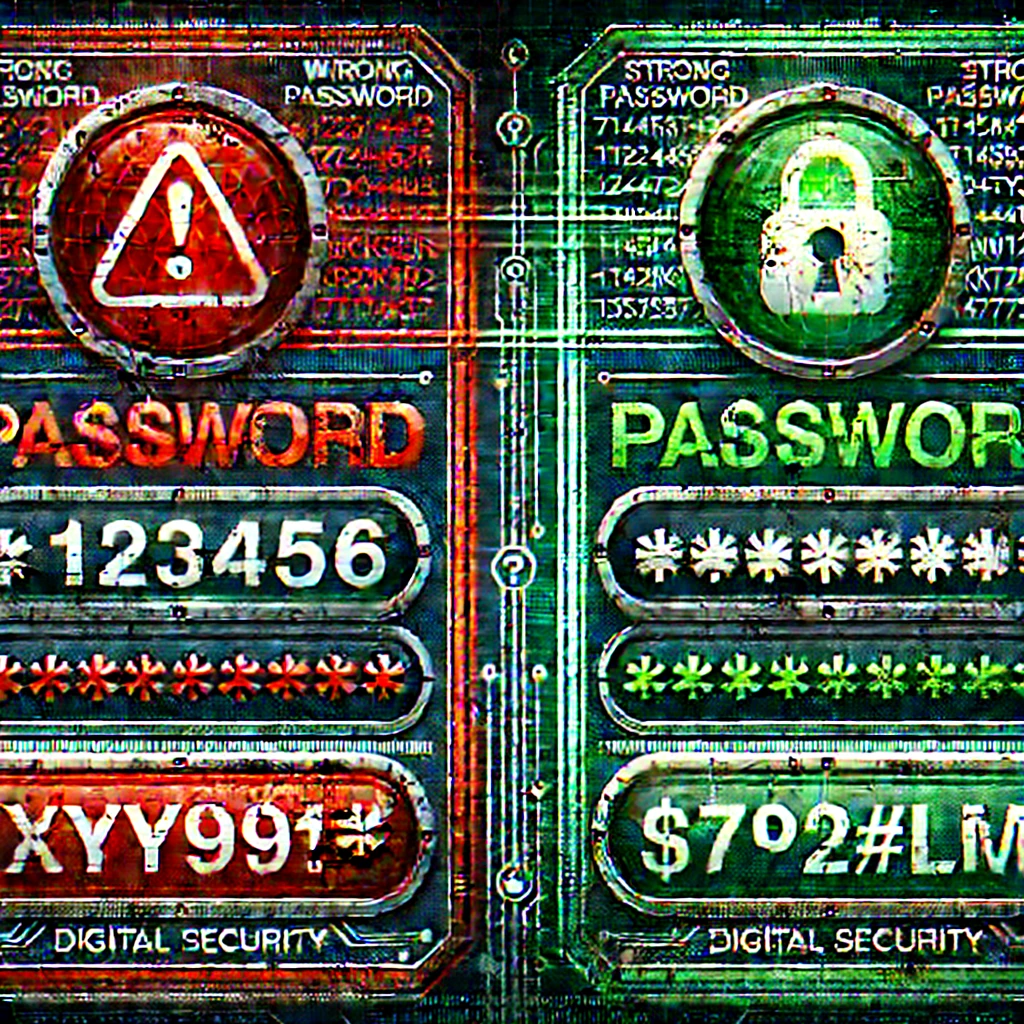
Outdated Thinking: Requiring password changes every 90 days actually reduces security by encouraging predictable patterns (Password1!, Password2!, Password3!).
Modern Approach: Focus on password strength over frequency. Implement these evidence-based policies:
- Minimum 14-character passwords for business accounts
- Block commonly used passwords (Password123, CompanyName2025)
- Allow passphrases and special characters
- Only force password changes when compromise is suspected
The Credential Management Framework That Actually Works
Here's the systematic approach that reduces credential-based breach risk by over 90%:
Layer 1: Unique Credentials Everywhere
Deploy a business password manager with enforced unique passwords for every system. No exceptions.
Layer 2: Comprehensive MFA Coverage
Enable app-based or hardware token MFA on every business application, including vendor portals and cloud services.
Layer 3: Continuous Monitoring
Implement dark web monitoring and require immediate password changes when credentials appear in breach databases.

Layer 4: Employee Education
Train employees to recognize credential theft attempts and secure their personal accounts with the same rigor as business systems.
Layer 5: Regular Auditing
Quarterly reviews of all business accounts, MFA configurations, and password policy compliance.
Why This Matters Right Now
Credential attacks are accelerating because they work. With a 160% increase in compromised credentials this year, attackers have more stolen passwords to work with than ever before. Small businesses are primary targets because they typically have weaker credential security than large enterprises but often have the same valuable data.
The window between credential compromise and active exploitation is shrinking. Where businesses once had months to detect and remediate breaches, attackers now weaponize stolen credentials within days or even hours of obtaining them.
Take Action Before You Become a Statistic

Credential security isn't just an IT issue: it's a business survival issue. With over half of all breaches involving stolen credentials, your password management strategy directly determines your risk of becoming the next cybersecurity headline.
The five mistakes outlined above represent the most common vulnerabilities we see in small business security assessments. The good news: they're all preventable with the right strategy and tools.
Don't wait until your credentials appear in a dark web marketplace. Schedule a comprehensive cybersecurity risk assessment with B&R Computers to identify credential vulnerabilities in your business before hackers do. Our team will audit your current password policies, MFA implementation, and employee security practices to create a customized defense strategy that actually stops credential theft.
Contact us today at B&R Computers to secure your business credentials before they become your biggest liability.