
New Year's resolutions aren't just for personal fitness goals, your business cybersecurity deserves a fresh start too. While cyber threats keep evolving, the good news is that most effective security improvements don't require massive budgets or months of planning. In fact, the best cybersecurity upgrades are often the simplest ones that you can tackle this January.
If you're a business owner, office manager, or IT decision-maker looking for practical wins that actually move the needle on security, these five upgrades will give you the biggest bang for your buck. Each one can be started (and often completed) within your first month back from the holidays.
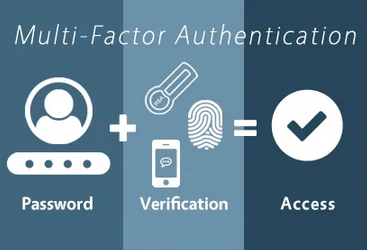
1. Enable Multi-Factor Authentication Everywhere (Not Just "Critical" Systems)
Most businesses think they're covered because they've enabled MFA on their email or accounting software. That's a great start, but 2026 cybercriminals are targeting everything, from your file sharing apps to your business social media accounts.
How to do it this month:
- Audit every single business account and service your team uses (yes, even the ones that seem "minor")
- Enable MFA on all accounts that offer it: Microsoft 365, Google Workspace, QuickBooks, your website hosting, social media, cloud storage, and any industry-specific software
- Choose app-based authenticators (like Microsoft Authenticator or Google Authenticator) over SMS when possible
- Create a simple company policy requiring MFA for all new business accounts
Quick win: Start with your top 10 most-used business accounts. You can knock these out in one afternoon, and you'll immediately close the door on 99% of basic password attacks.

2. Get Your Patch Management Under Control
Here's the uncomfortable truth: if you're not actively managing software updates, you're basically leaving your front door unlocked. Cybercriminals love businesses that run outdated software because those security holes are well-documented and easy to exploit.
How to set this up in January:
- Create a simple spreadsheet listing all your business software (operating systems, applications, plugins, everything)
- Set up automatic updates for operating systems and critical software where possible
- Schedule monthly "patch days" where someone checks for updates on everything else
- Subscribe to security alert notifications from your key software vendors
- If you use Windows, enable Windows Update for Business to control how updates roll out
Quick win: Focus first on your internet-facing applications (web browsers, email clients, anything that connects to the internet). These are the highest-risk targets and often the easiest to update.
The reality is that most successful attacks exploit vulnerabilities that already have patches available: attackers are just betting you haven't applied them yet.
3. Implement Real Password Management (Finally)
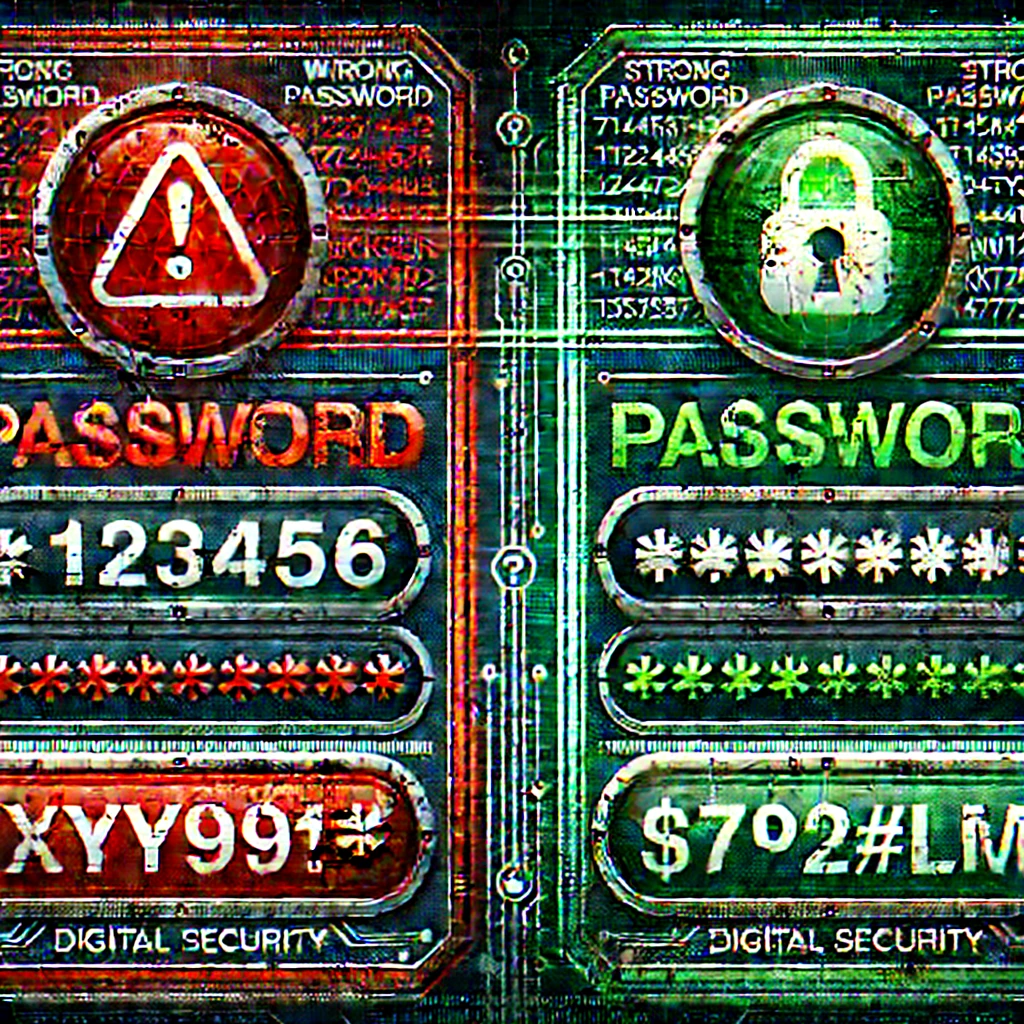
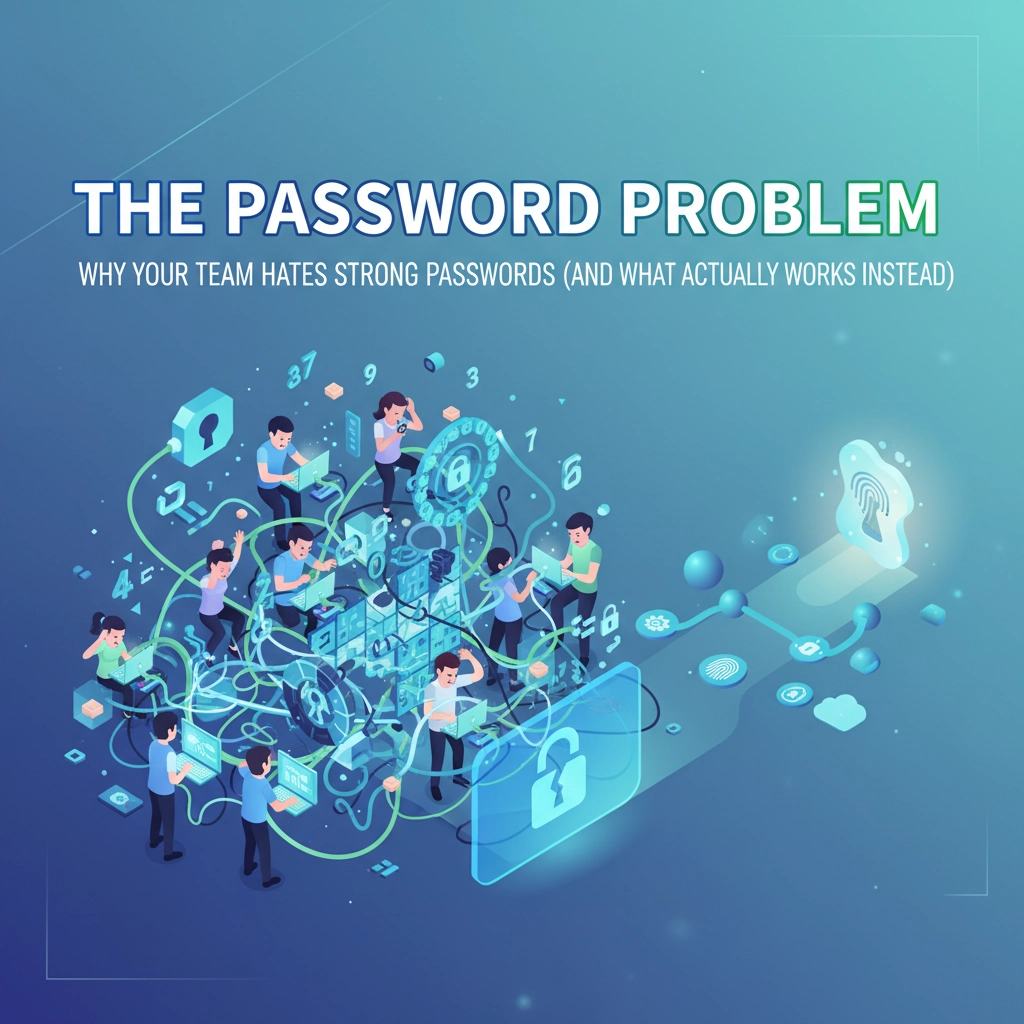
Stop pretending that "Password123!" with different numbers is a security strategy. Password reuse is still one of the top ways businesses get compromised, and with AI making password cracking faster than ever, 2026 is the year to get serious about this basic protection.
How to roll this out this month:
- Choose a business password manager (options like Bitwarden Business, 1Password Business, or Dashlane Business cost less than $3 per employee per month)
- Start with your IT team or key employees as a pilot group
- Create unique, complex passwords for your 10 most critical business accounts first
- Set up shared vaults for accounts that multiple team members need to access
- Schedule brief training sessions to show employees how to use the tool
Quick win: Even if you only secure your top business accounts with unique passwords this month, you'll dramatically reduce your risk. You can gradually migrate personal passwords and less critical accounts over the following months.

4. Conduct a 30-Minute Cloud Account Security Review
Most businesses have way more cloud accounts than they realize, and many of them are configured with default (weak) security settings. A quick review can uncover scary gaps that take minutes to fix.
How to do your January audit:
- List all your cloud services (Office 365, Google Workspace, Dropbox, AWS, social media business accounts, etc.)
- Check who has admin access to each account: remove former employees and anyone who doesn't need that level of access
- Review file sharing permissions (especially any folders marked "public" or "anyone with link")
- Enable login alerts so you know when someone accesses these accounts from a new location
- Check for any forgotten trial accounts or services you're no longer using
Quick win: Start with your most important account (usually email/productivity suite). In 10 minutes, you can review admin access, enable alerts, and tighten sharing permissions. This alone prevents most accidental data leaks.
The goal isn't perfection: it's identifying the low-hanging fruit that dramatically improves your security posture without major disruption to daily operations.

5. Run a "New Year, New Threats" Staff Security Refresher
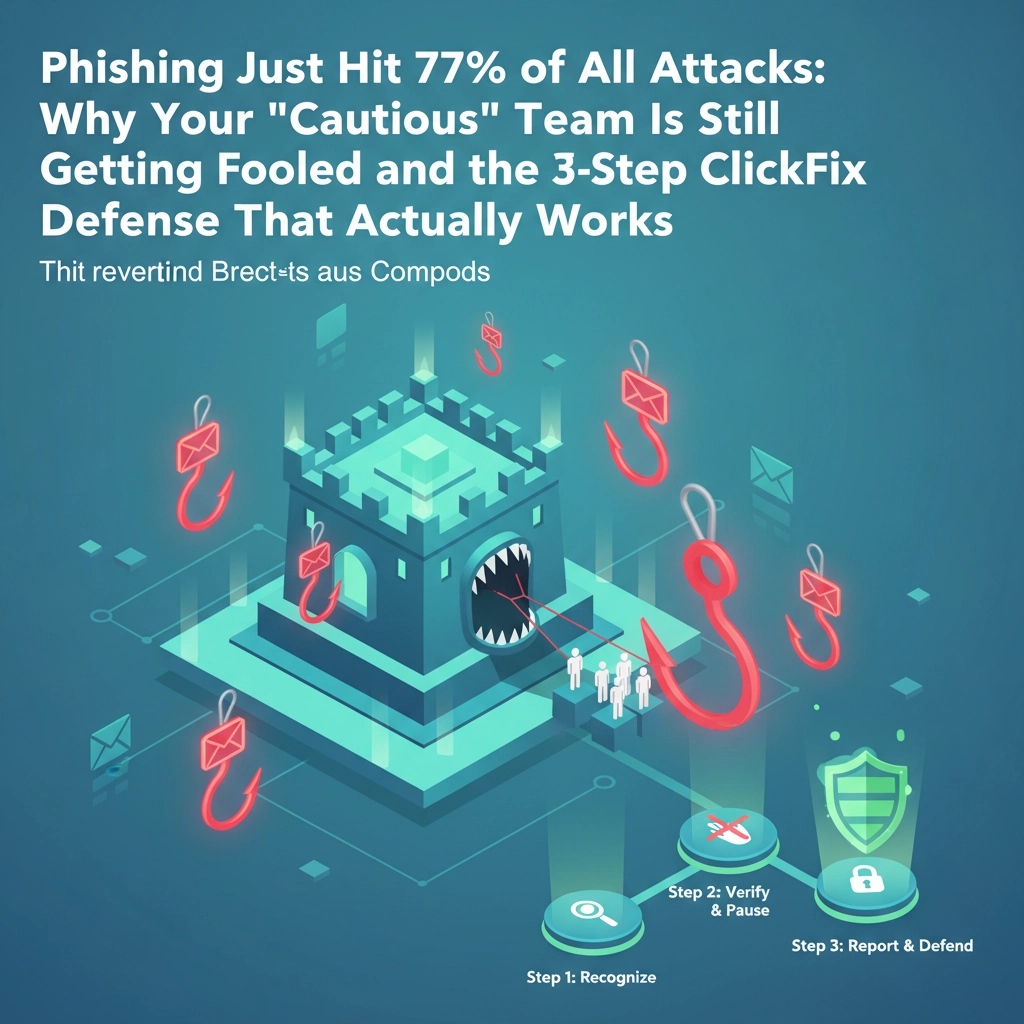
Your employees are still your first line of defense, but generic cybersecurity training from 2023 won't prepare them for 2026 threats. AI-powered phishing, deepfake scams, and more sophisticated social engineering require fresh awareness.
How to organize this in January:
- Schedule 15-20 minute team meetings (department by department if needed)
- Focus on 2026-specific threats: AI-generated phishing emails, voice cloning scams, and fake urgent requests that bypass normal approval processes
- Share real examples of recent scams targeting businesses like yours
- Create simple rules like "verify any financial request through a separate communication channel" and "when in doubt, ask IT"
- Set up a no-penalty reporting system for suspected phishing attempts
Quick win: Send one company-wide email highlighting the top 3 scams your industry is seeing right now. Include clear instructions on what to do if they encounter something suspicious. This takes 30 minutes to write but can prevent months of recovery time later.
Remember, the goal isn't to make employees paranoid: it's to give them practical tools to spot and handle modern threats confidently.
Making Your Cybersecurity Resolutions Stick
The key to successful cybersecurity improvements isn't perfection: it's progress. Each of these five upgrades builds on the others, creating multiple layers of protection that make your business a much harder target.
Start with whichever upgrade feels most urgent for your situation. Maybe that's the password management if you know your team is reusing passwords, or perhaps it's the cloud review if you've been losing sleep over who has access to what.
The important thing is to start somewhere and build momentum. Every improvement you make compounds with the others, creating a security posture that's dramatically stronger than where you started: without breaking your budget or overwhelming your team.
Your business deserves to start 2026 with confidence, knowing you've taken practical steps to protect what you've worked hard to build. These aren't just IT improvements: they're business continuity investments that let you focus on growth instead of constantly worrying about the next cyber threat.
Ready to turn these resolutions into reality? B&R Computers can help you prioritize these upgrades based on your specific business needs and industry risks. Contact us for a quick cybersecurity consultation to map out your most impactful security improvements for the new year.