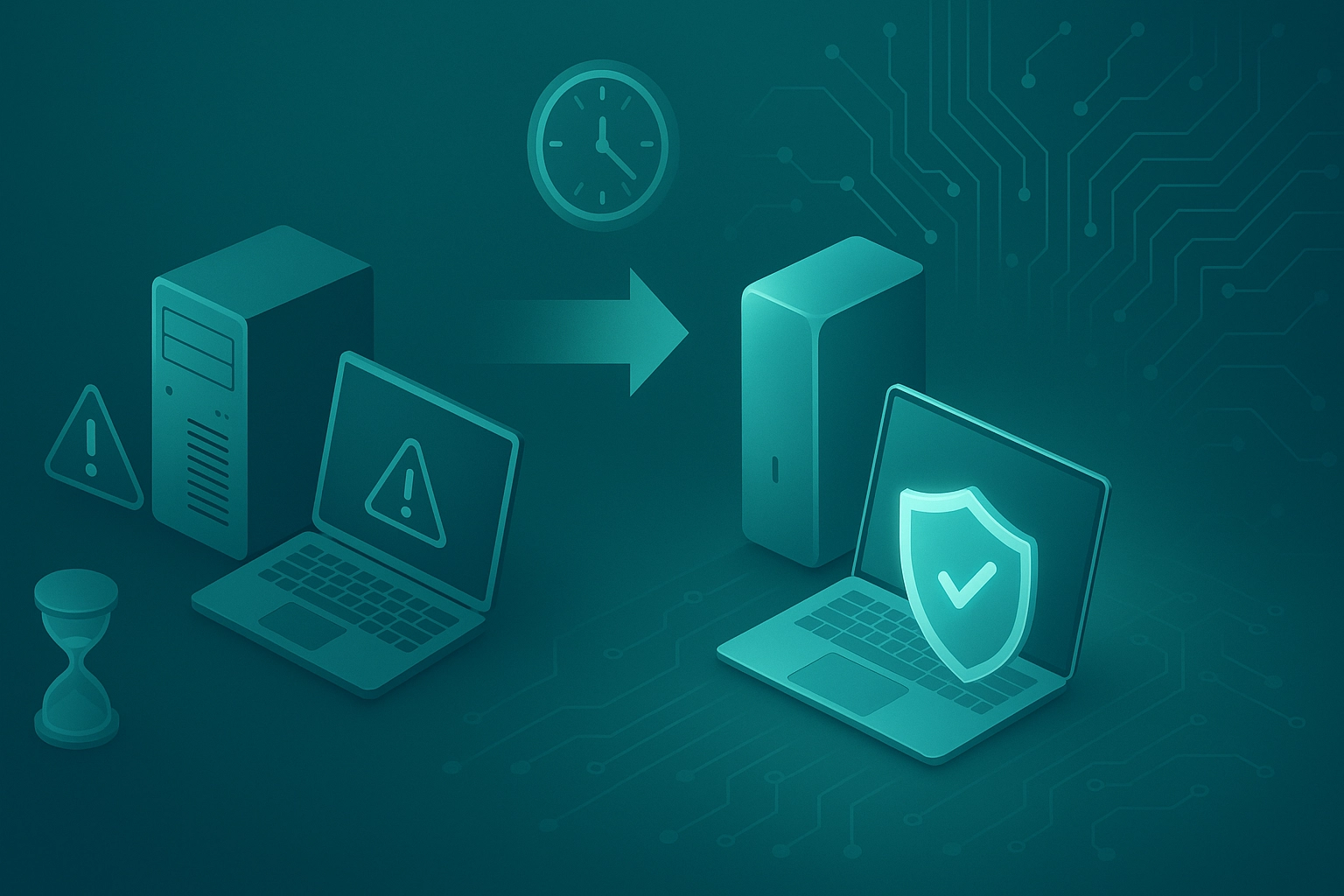
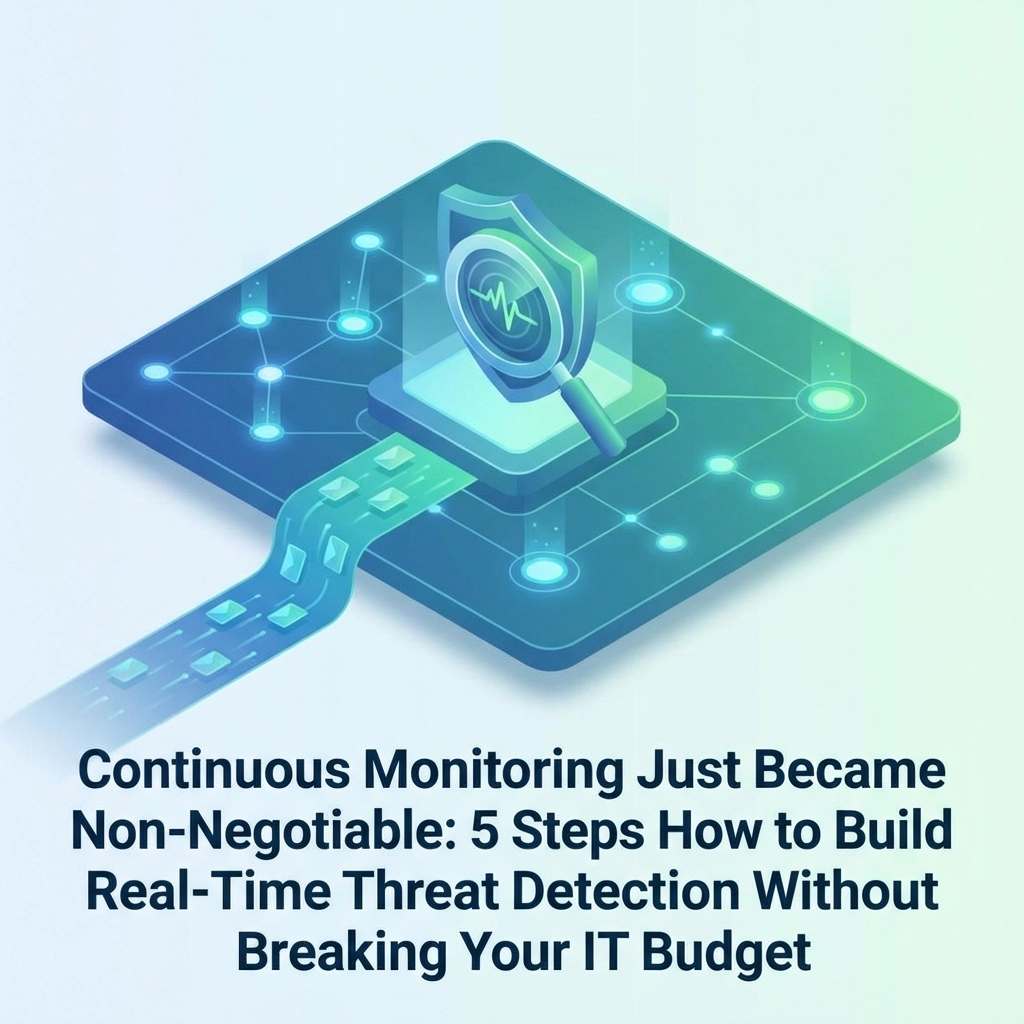
Remember when cybersecurity was about installing antivirus software and hoping for the best? Those days are long gone. In 2025, hackers are breaking into business networks faster than ever: often in under 60 seconds: while most small businesses still take weeks or months to even notice they've been breached.
The solution isn't to panic or spend a fortune on enterprise-level security tools. It's to build a smart, continuous monitoring system that watches your network 24/7 without breaking your budget. Here's exactly how to do it.
Why Continuous Monitoring Is Now Essential (Not Optional)
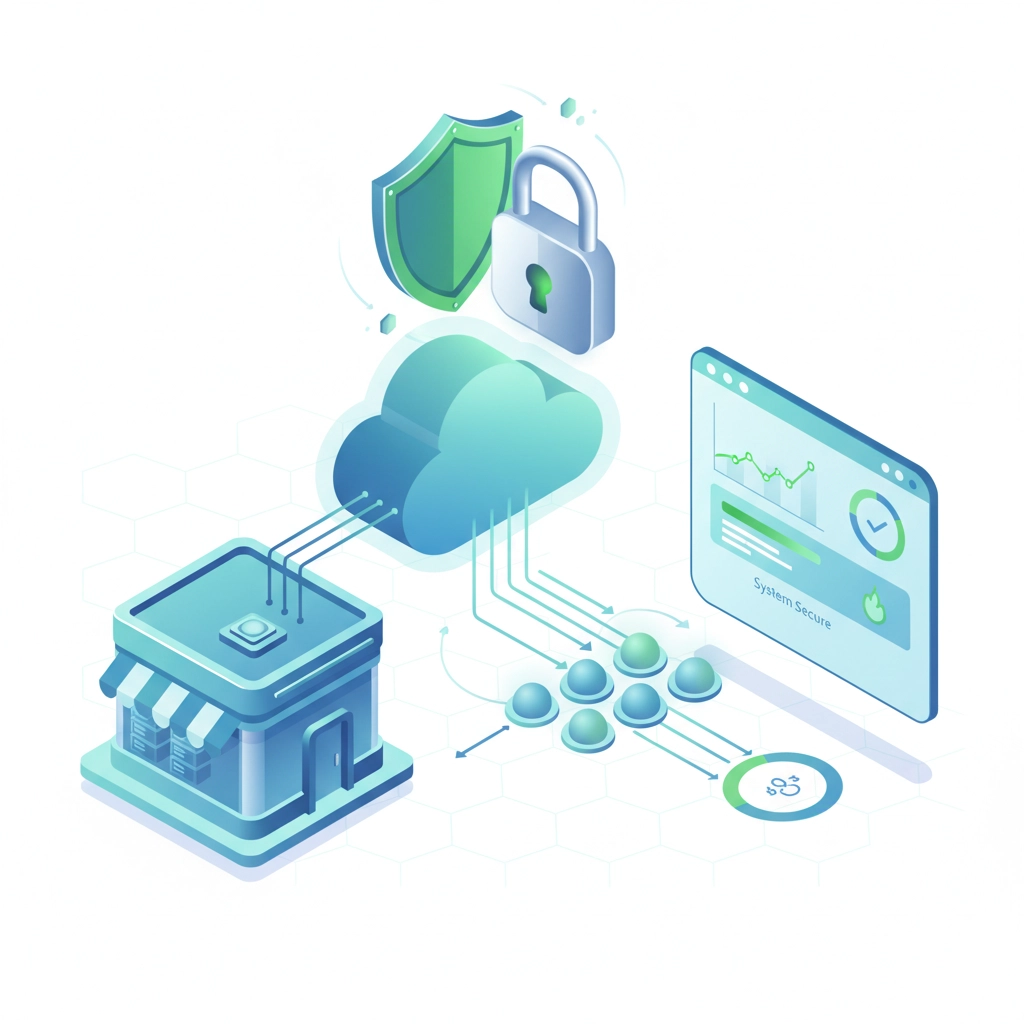
Think of continuous monitoring like a security camera system for your digital business. Just as you wouldn't leave your physical store unmonitored overnight, you can't afford to leave your network unwatched for even a few minutes.
Here's the reality: modern cyberattacks happen at machine speed. Automated malware can spread through your entire network, steal customer data, and encrypt your files before your morning coffee gets cold. Traditional security approaches that check for threats once a week or even once a day simply can't keep up.
But here's the good news: you don't need a massive IT budget to build effective continuous monitoring. You just need to be strategic about it.
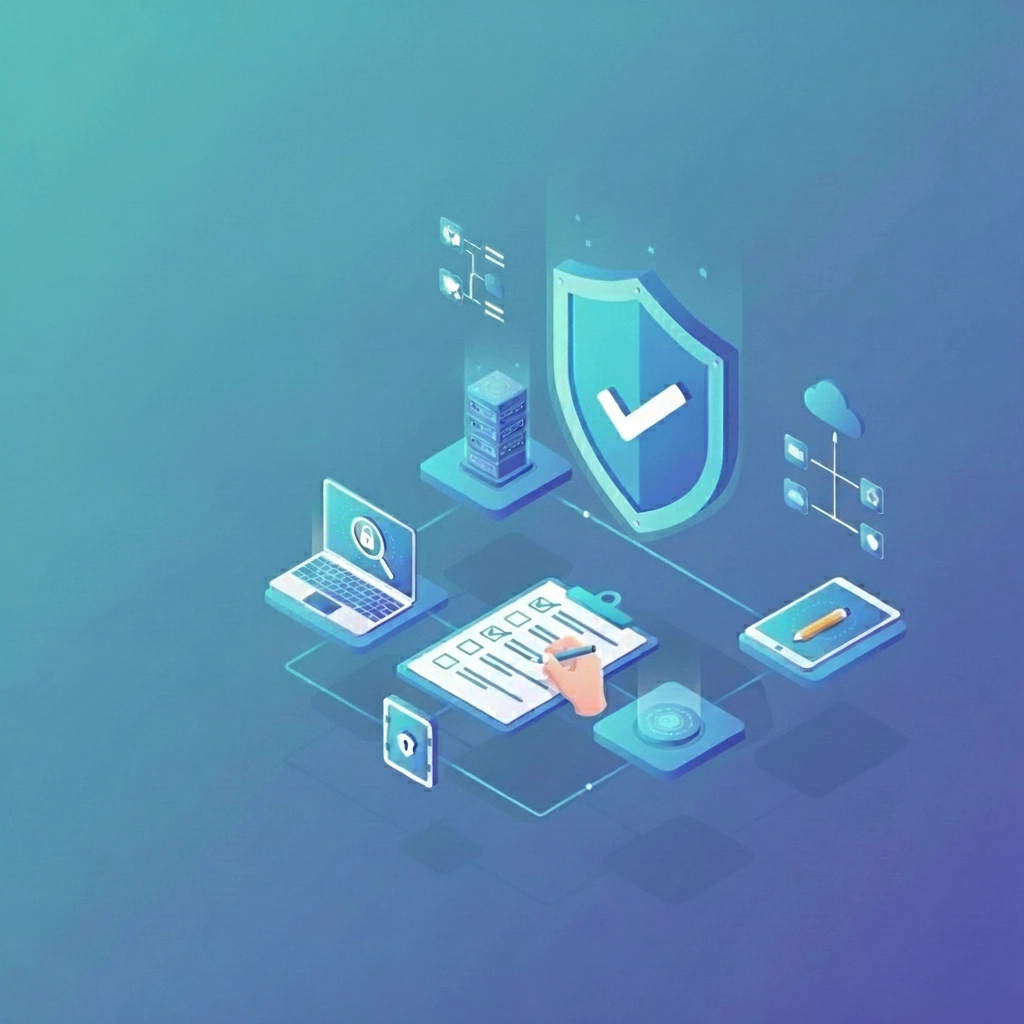
Step 1: Start With a Clear Assessment (Don't Skip This)
Before you buy a single security tool, you need to understand what you're actually protecting. This isn't about creating a complicated inventory: it's about identifying your most valuable digital assets.
Ask yourself these questions:
- What data would hurt your business most if it got stolen or encrypted?
- Which systems would shut down your operations if they went offline?
- Where do your employees access sensitive information?
- What devices connect to your network?
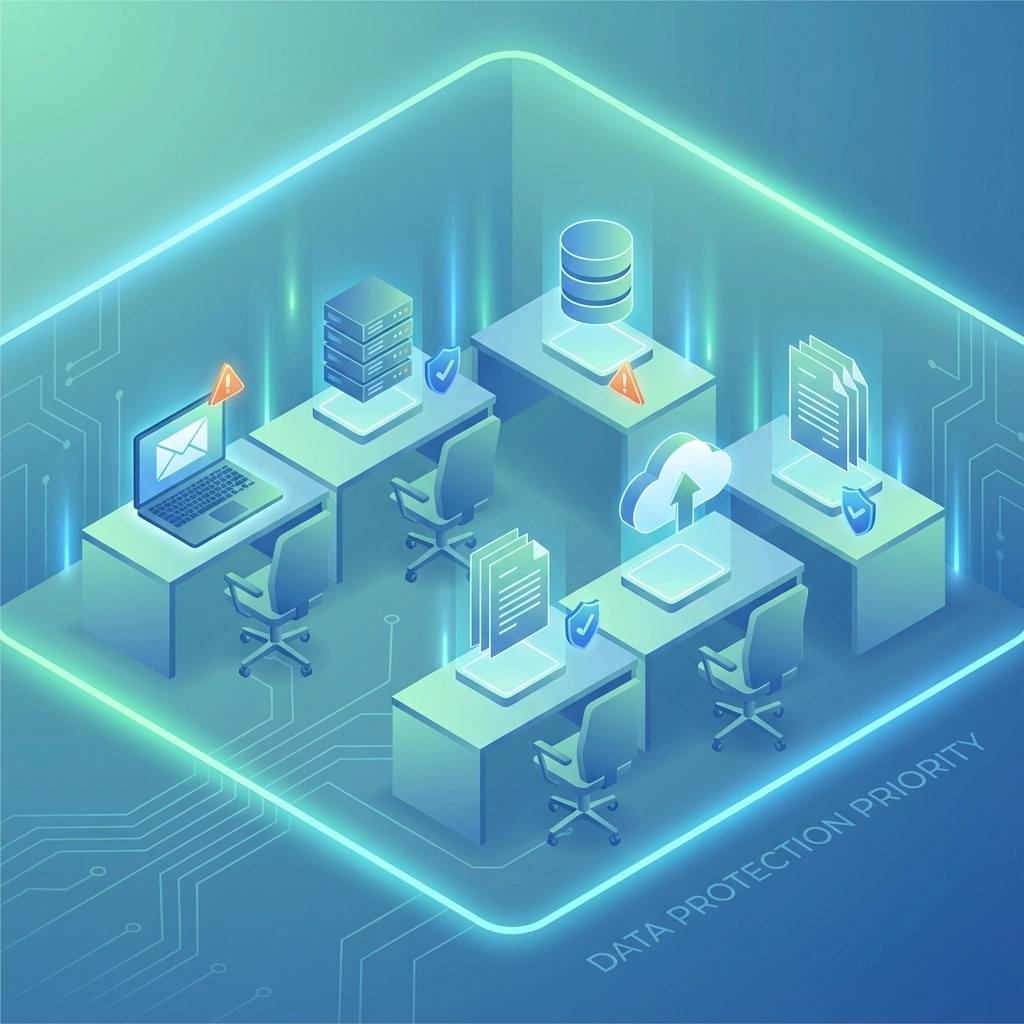
Most small businesses discover they have way more digital assets than they realized. Your customer database, email system, accounting software, and even your website all need protection. But not everything needs the same level of monitoring.
Focus your initial efforts on your "crown jewels": the 20% of your digital assets that represent 80% of your business risk. This targeted approach lets you build effective monitoring without spending money on unnecessary coverage.
Step 2: Choose Tools That Work Together (Not Against Your Budget)
The biggest mistake small businesses make is buying expensive, all-in-one security solutions when a combination of focused, affordable tools would work better.
Think of it like building a home security system. You don't need one ultra-expensive device that does everything poorly. You need a few good tools that work together: motion sensors, door alarms, cameras, and a central monitoring system.
For cybersecurity, your essential monitoring stack should include:
Network Monitoring Tools: These watch all the traffic coming in and out of your network, looking for suspicious patterns. Many affordable options exist that can detect unusual data transfers, unauthorized access attempts, and malware communications.
Endpoint Detection: This monitors all your computers, phones, and tablets for signs of infection or compromise. Look for solutions that can automatically isolate infected devices before they spread malware to other systems.
Log Management: Your computers and software create logs of everything they do. The right log management tool can spot patterns that indicate attacks, like multiple failed login attempts or unusual file access.
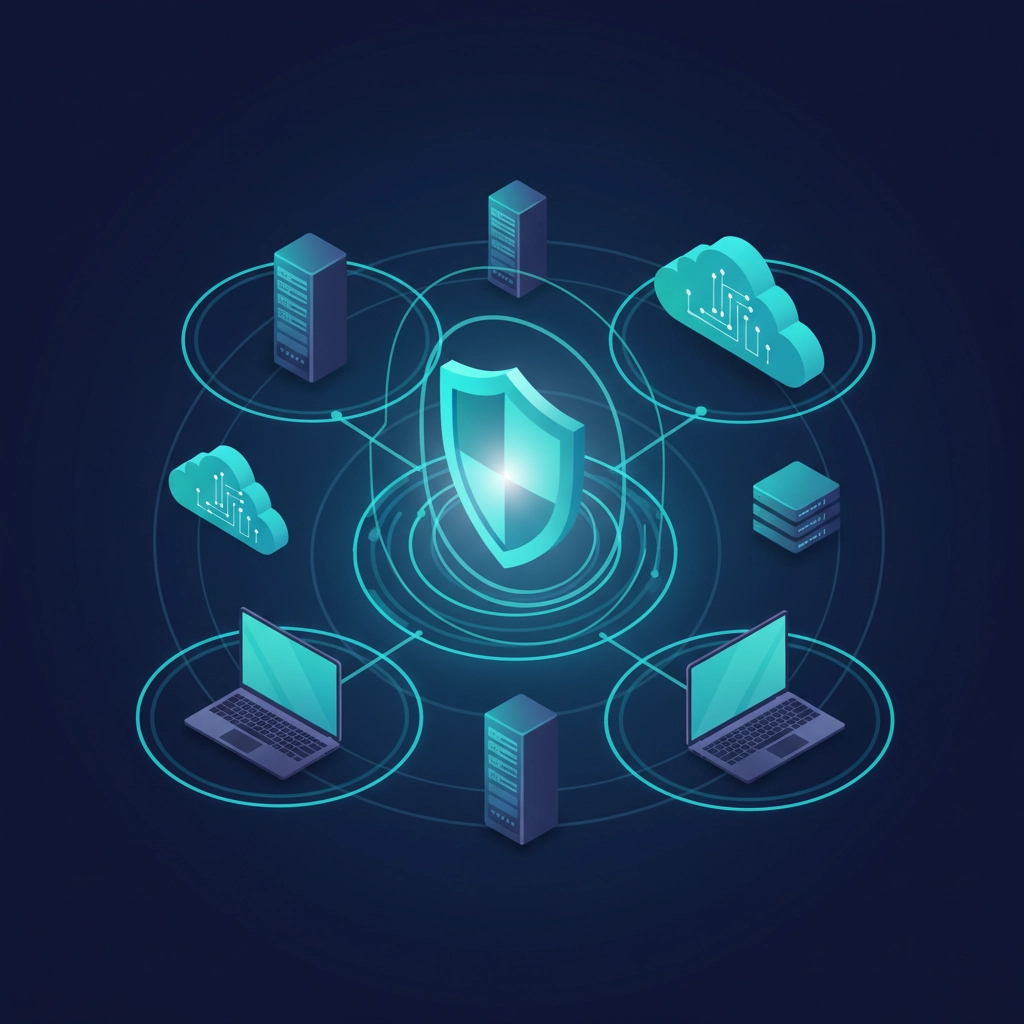
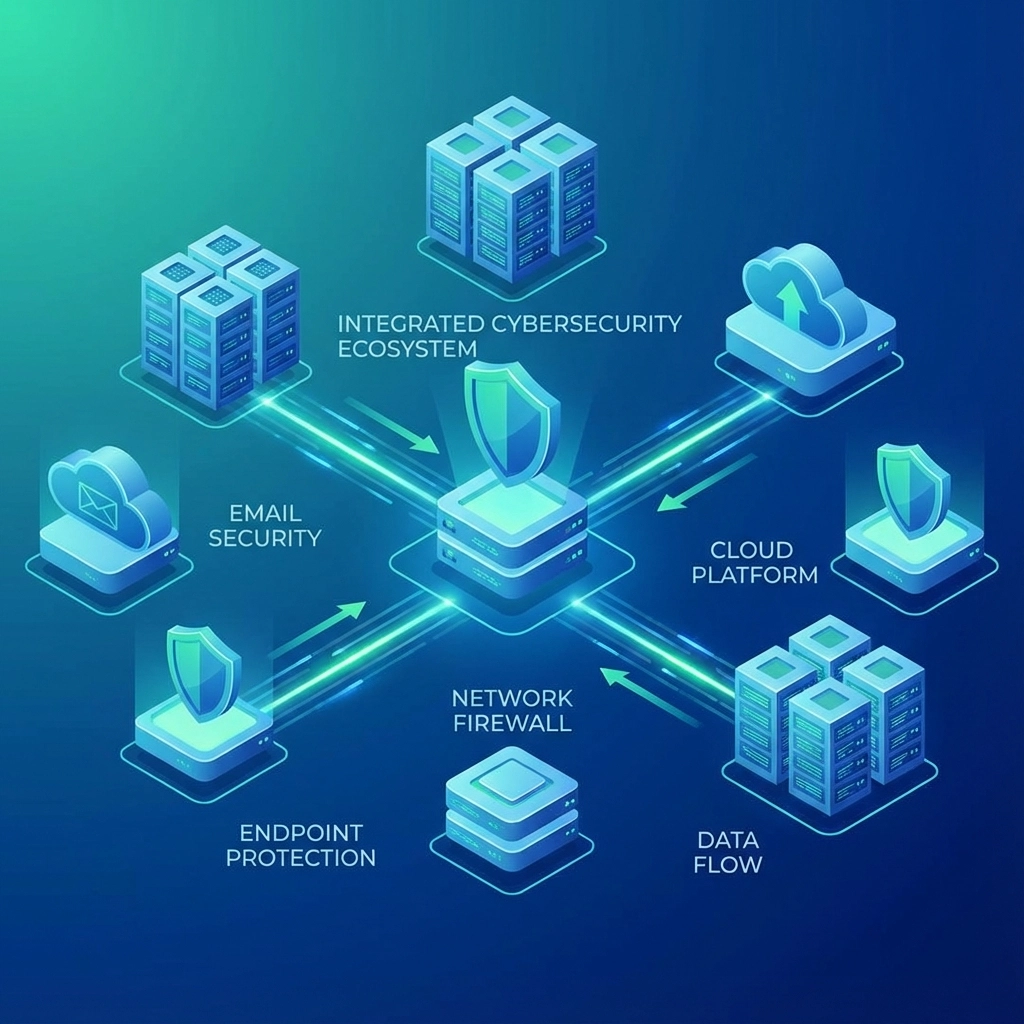
The key is choosing tools that can share information with each other. When your network monitoring detects suspicious activity, it should automatically alert your endpoint detection system to look closer at specific devices.
Step 3: Set Up Smart Automation (Let Technology Do the Heavy Lifting)
Here's where continuous monitoring becomes truly powerful: and budget-friendly. Instead of hiring expensive security analysts to watch screens all day, you can automate most of the detection and initial response.

Modern monitoring tools can learn what "normal" looks like in your environment. They'll notice when:
- Someone logs in from an unusual location or at a strange time
- Large amounts of data start moving around your network
- New software gets installed without authorization
- Users access files they don't normally need
The best part? These automated systems work 24/7 without getting tired, distracted, or taking vacation days. They can even take immediate action when they spot threats: like automatically blocking suspicious IP addresses or quarantining infected devices.
Set up your automation to escalate serious threats to human attention while handling routine security tasks automatically. This approach gives you enterprise-level protection with small-business resources.
Step 4: Integrate With What You Already Have
Don't throw away your existing security investments. Smart continuous monitoring builds on top of what you already have, making everything work better together.
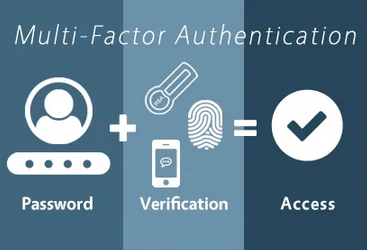
If you already have antivirus software, make sure your new monitoring tools can read its alerts and logs. If you use Microsoft 365, leverage its built-in security features and connect them to your broader monitoring system.
This integration approach saves money and creates a stronger overall defense. When all your security tools can communicate, they can respond faster and more effectively to threats.
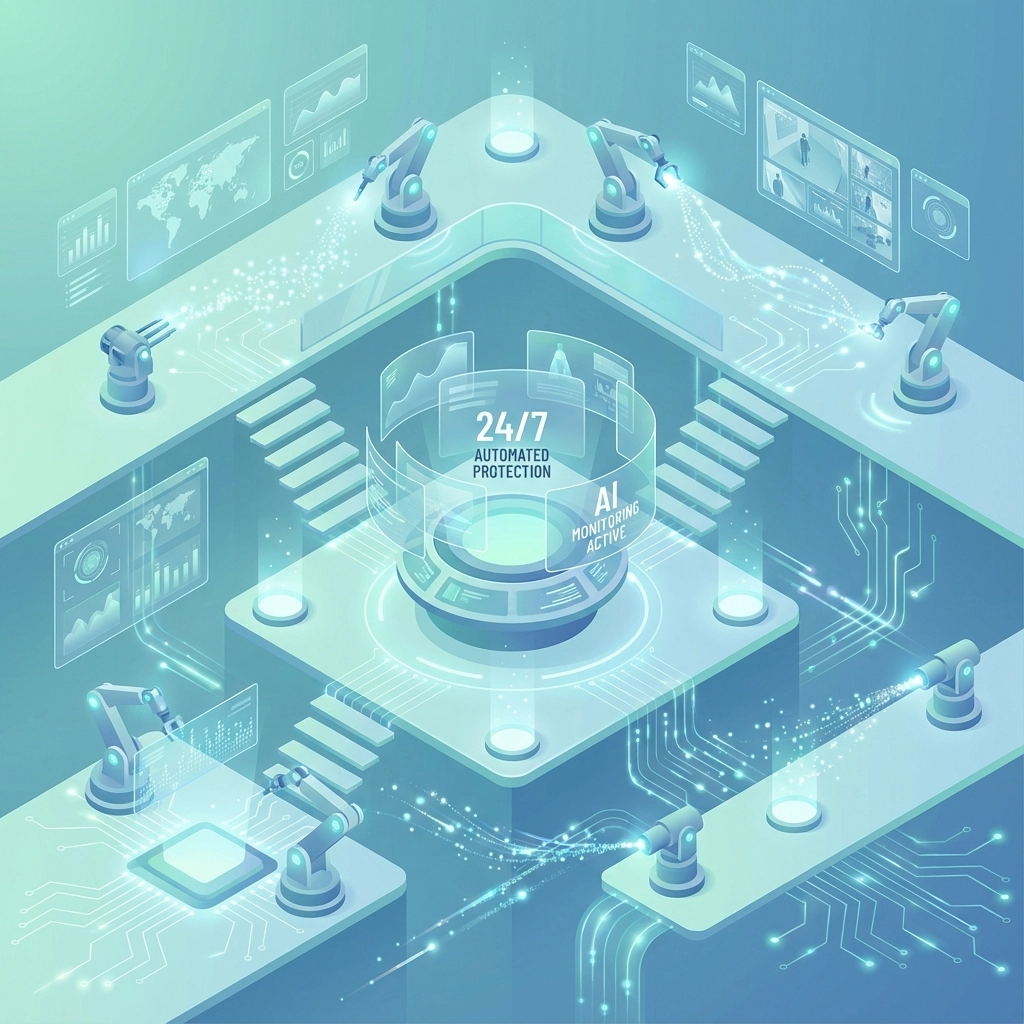
For example, if your network monitoring detects a potential breach, it can automatically tell your backup system to create an emergency snapshot of your data, notify your email system to block suspicious messages, and alert your access control system to require additional authentication for sensitive areas.
Step 5: Build Your Response Plan (Before You Need It)
Detecting threats quickly is only half the battle. You also need to respond fast to minimize damage. This is where many small businesses fall short: they can spot problems but don't know what to do about them.
Create a simple incident response playbook that covers the most common scenarios:
- What to do when malware is detected on a computer
- How to respond to suspicious login attempts
- Who to call when systems go offline unexpectedly
- When to notify customers about potential data exposure
Your monitoring system should automatically execute the first steps of your response plan. For serious incidents, it should immediately notify key personnel and provide clear instructions on next steps.
Don't overcomplicate this. A simple, well-practiced response plan beats a complex one that nobody understands or follows.
Making It Work in the Real World
Here's what continuous monitoring looks like for a typical small business:
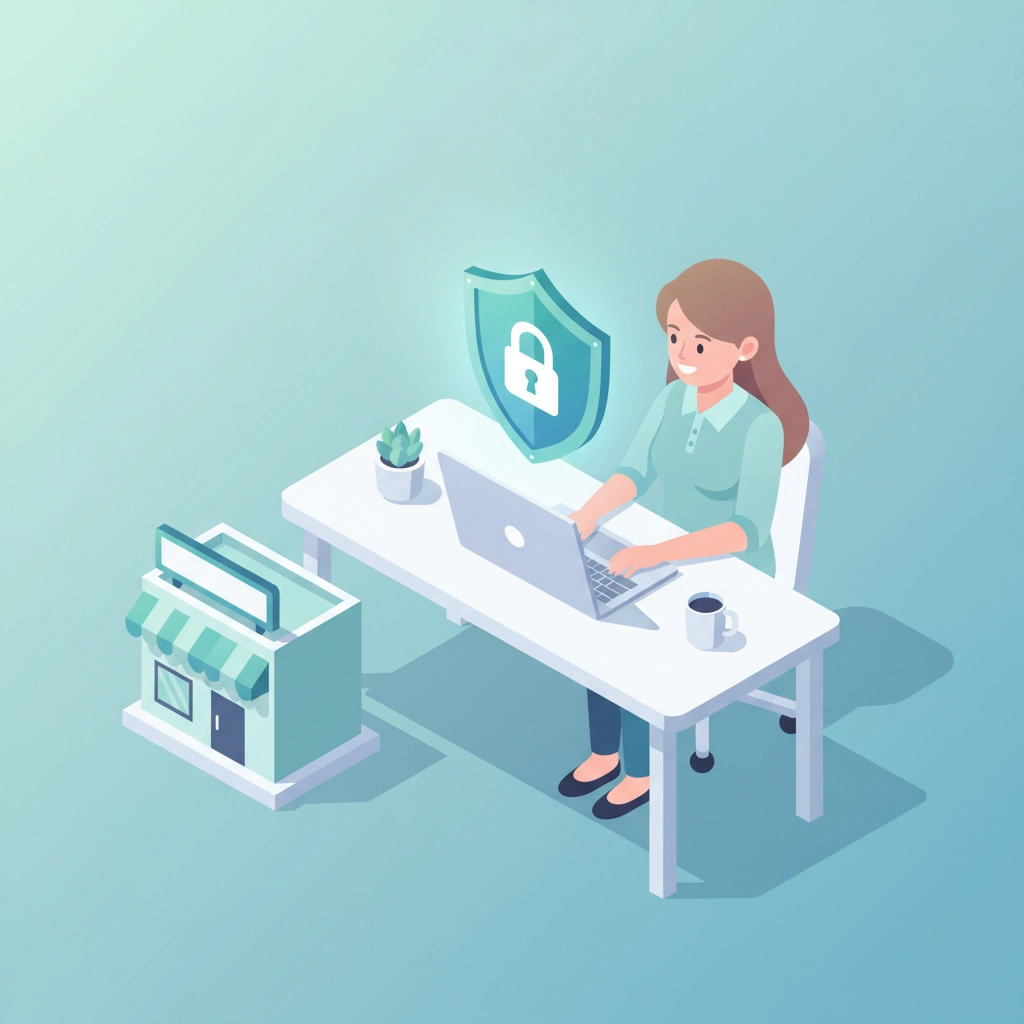
Sarah runs a 25-person accounting firm. Her monitoring system watches the network 24/7 and automatically flags unusual activity. When one of her staff members' computers gets infected with malware, the system immediately isolates that device, creates an emergency backup of recent files, and sends Sarah a text message with clear next steps.
The entire response takes less than two minutes, preventing the malware from spreading to client files or other computers. Total cost of the monitoring system: less than what the firm spends on coffee each month.
The Bottom Line
Continuous monitoring isn't about buying the most expensive tools or hiring a team of security experts. It's about building smart systems that watch your business around the clock and respond faster than any human could.
Start with step one: understanding what you need to protect. Then build your monitoring system piece by piece, focusing on integration and automation rather than flashy features. Your future self (and your customers) will thank you when you can detect and stop threats in minutes instead of months.
The threat landscape isn't getting any friendlier, but with the right approach, you can build world-class threat detection that fits your budget and protects what matters most.
Ready to build a continuous monitoring system that actually works for your business? Contact B&R Computers for a free cybersecurity assessment. We'll help you identify your biggest risks and design a monitoring strategy that fits your budget and protects what matters most to your business.